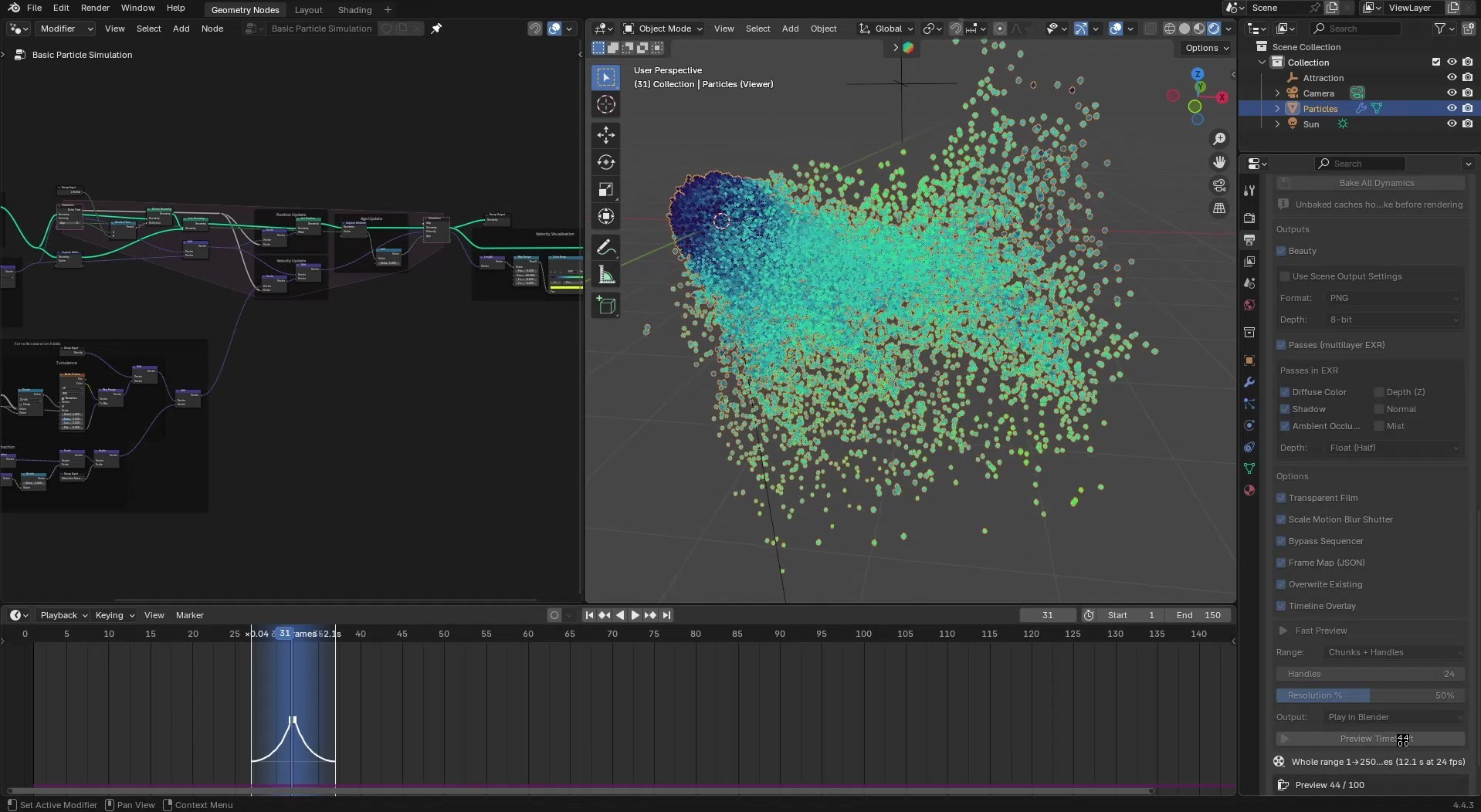
The Timeline and one sidebar panel
Mark chunks on the Timeline, set outputs in the panel, bake every simulation with one button.
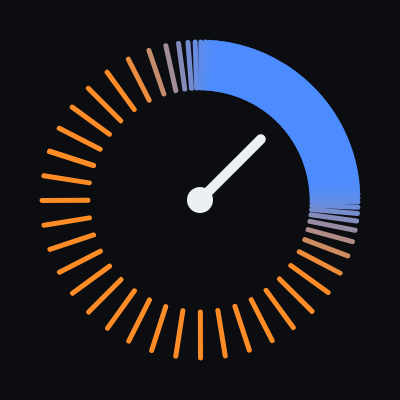
TimeShift renders the frames between your frames. Move the sliders below and watch the frames bunch where time slows.
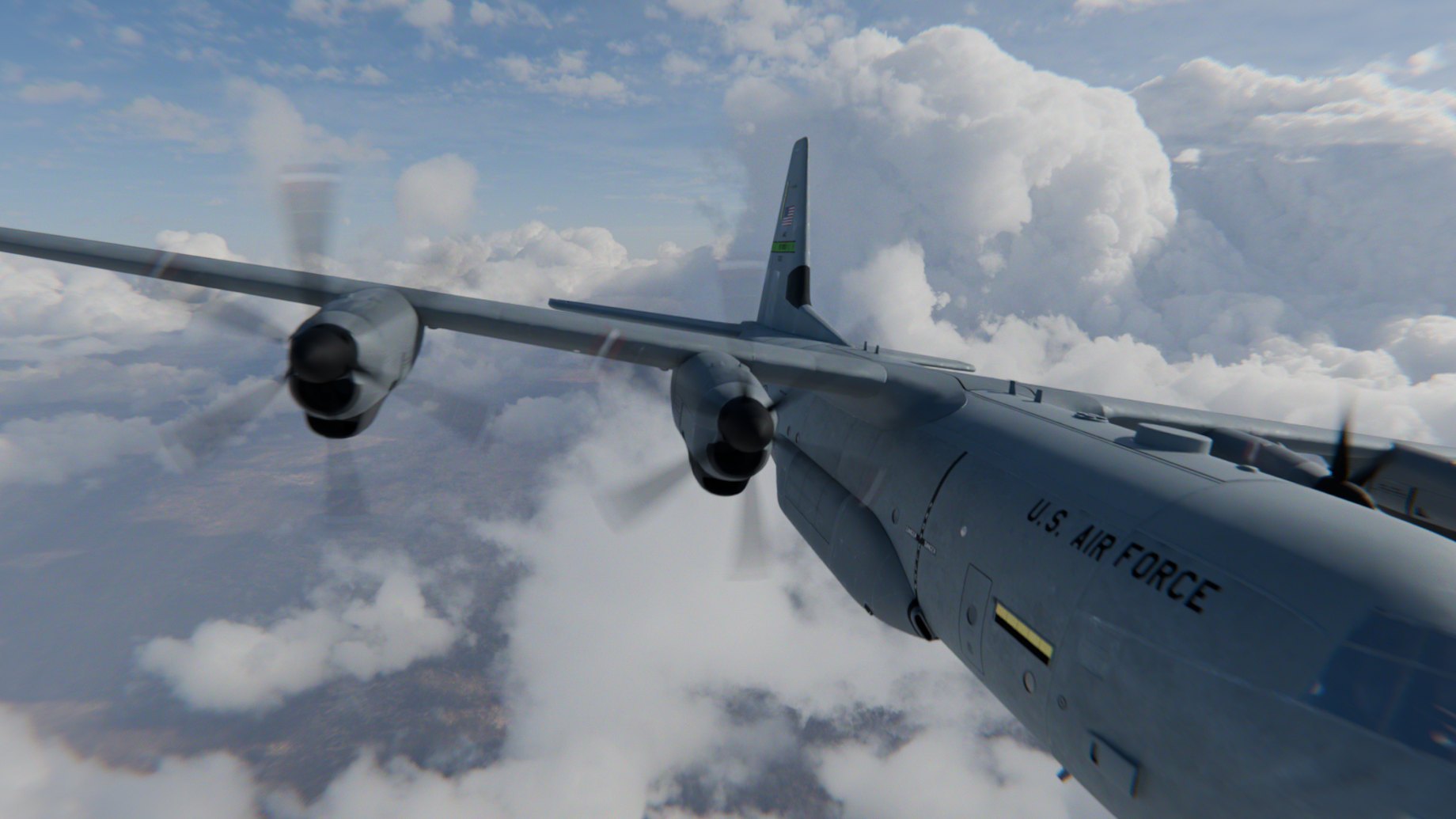
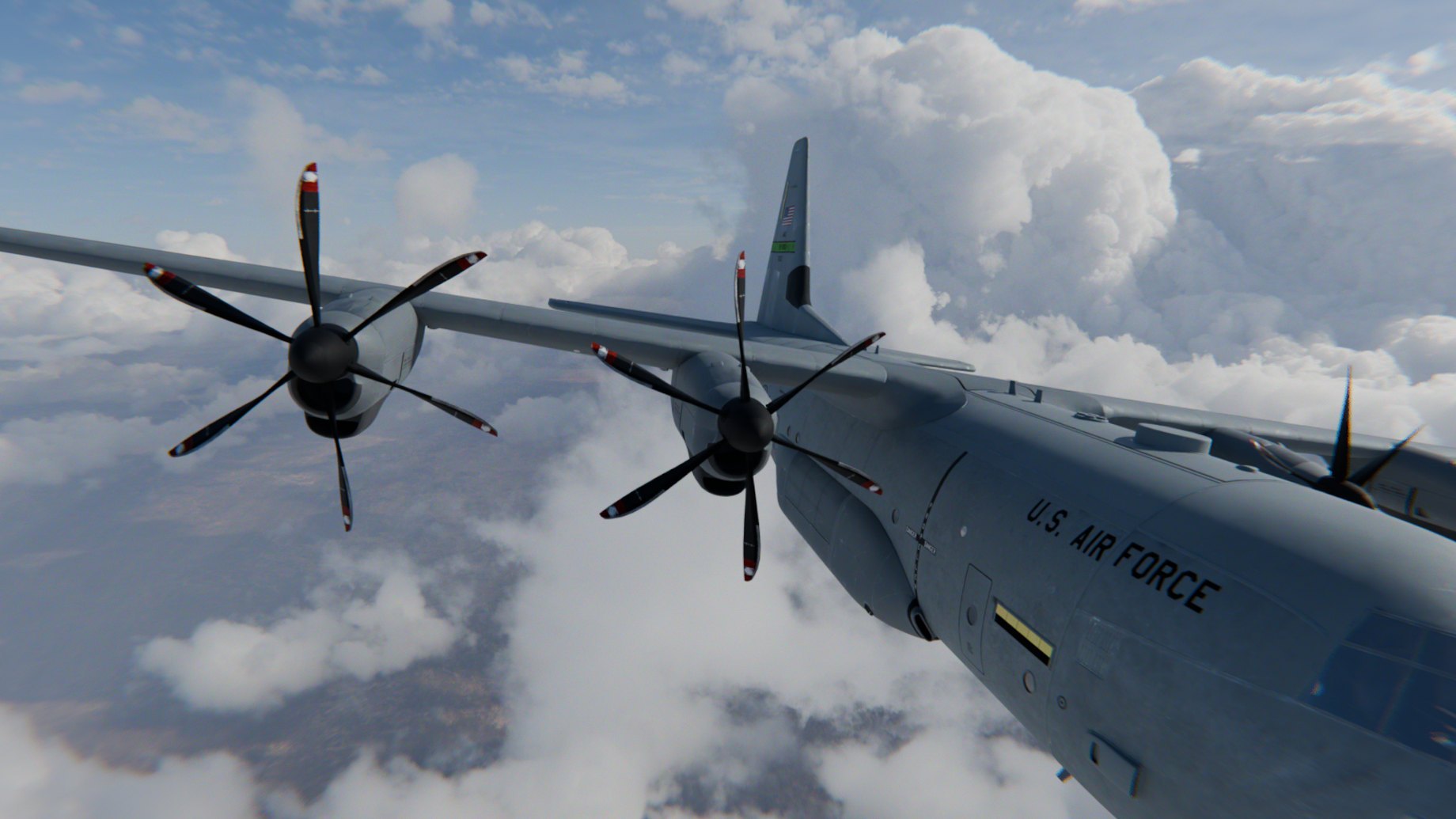
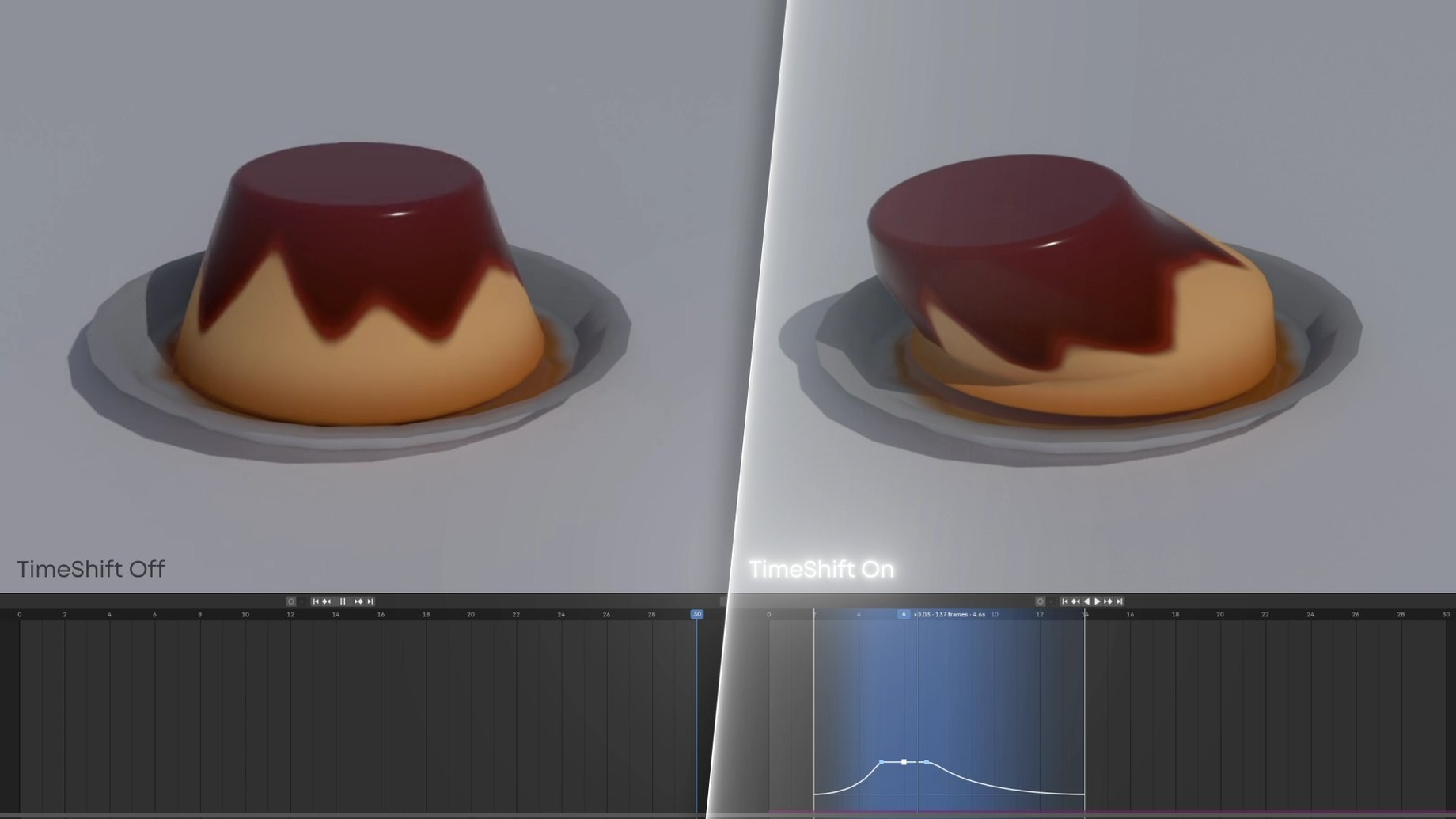
The same scene rendered normally (left) and with a slowed chunk (right), the Timeline underneath.
Same scene, same Timeline. On the right, a chunk slows to 0.07× and eases back out to normal speed.
On the right, the slowed chunk renders the frames in between, so the wobble stays smooth instead of stepping.
Keyframes, drivers, Geometry Nodes and shaders are exact. Simulations play back from their bake.
Mark chunks on the Timeline, set outputs in the panel, bake every simulation with one button.
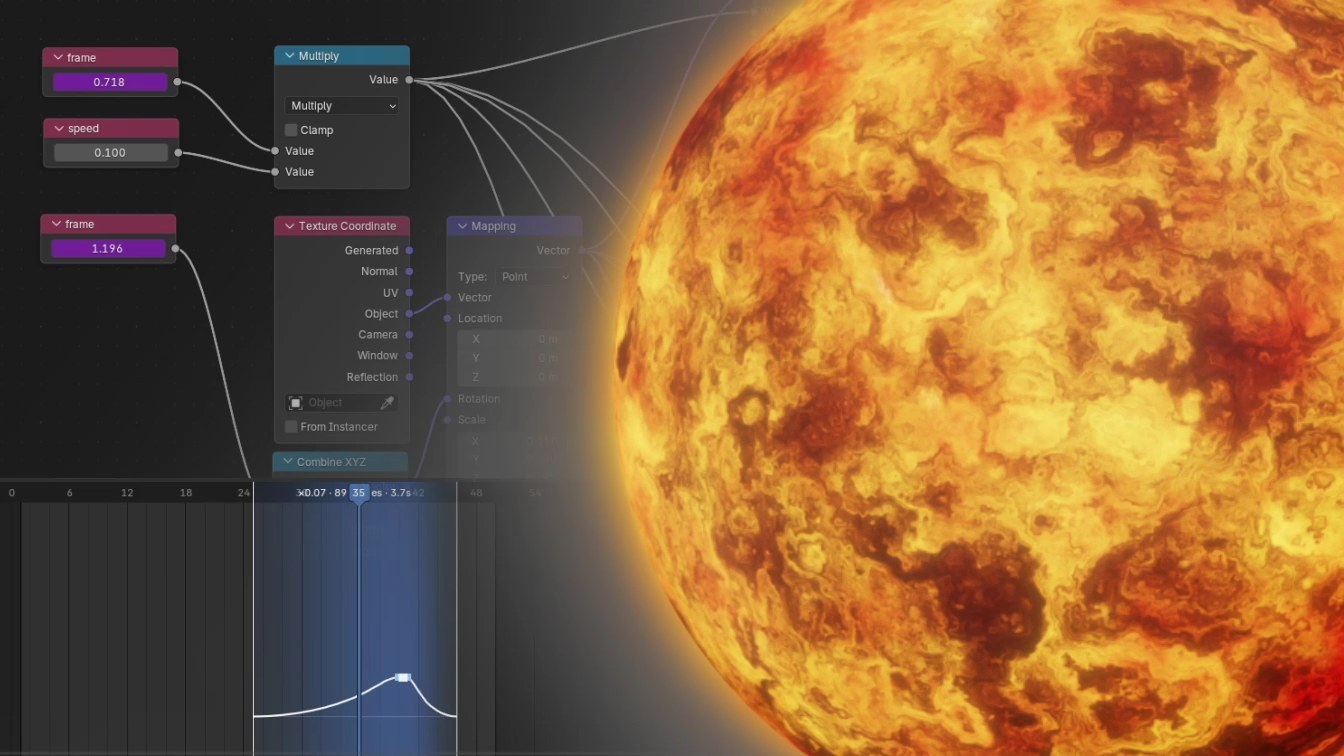
Sub-frame time reaches drivers, node trees and materials.
Nothing in your file is moved or rescaled.
Sub-frame slow motion for Blender. Slow any stretch of your timeline and render the frames in between; keyframes, drivers and caches never move.