Slow down any moment in Blender.

TimeShift renders the frames between your frames. Move the sliders below and watch the frames bunch where time slows.


See how TimeShift works$14.99 until 21 October, then $19.99
The plane at normal speed with blurred propellers
Preview. Motion blur shrinks as time slows.
Scene frames60
Rendered frames215
Length at 24 fps9.0 s
Slowest speed0.096×
frame 18
frame 42
0.096×
5 frames

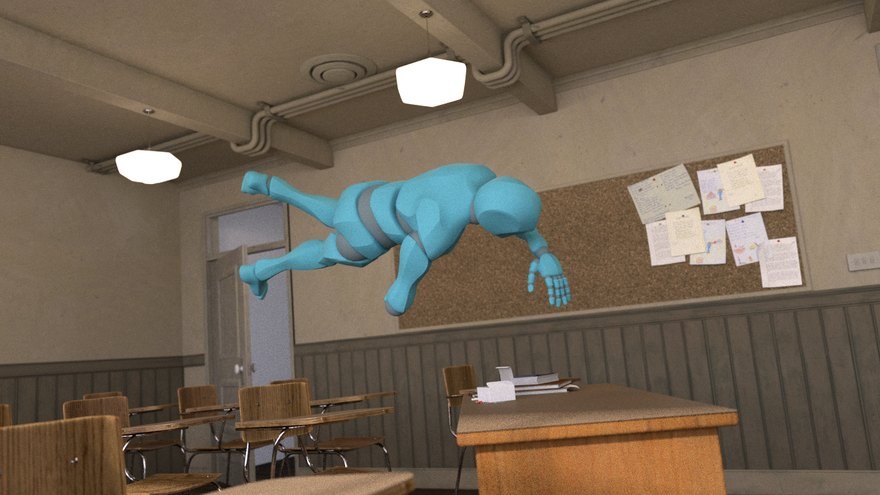
Everything that moves slows down with it.

Keyframes, drivers, Geometry Nodes and shaders are exact. Simulations play back from their bake.
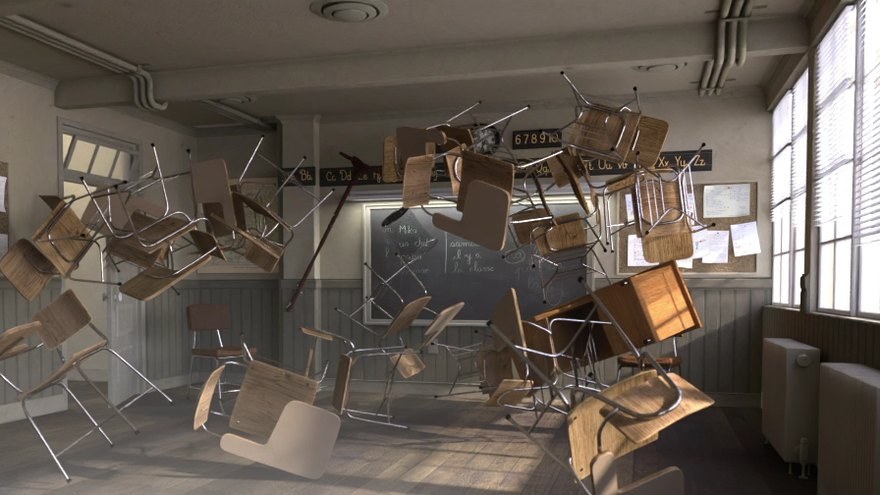
It lives where you animate.

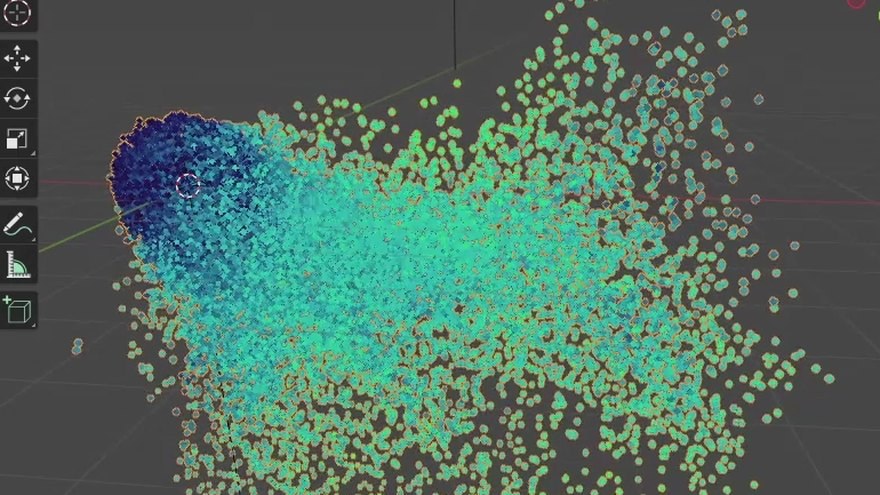
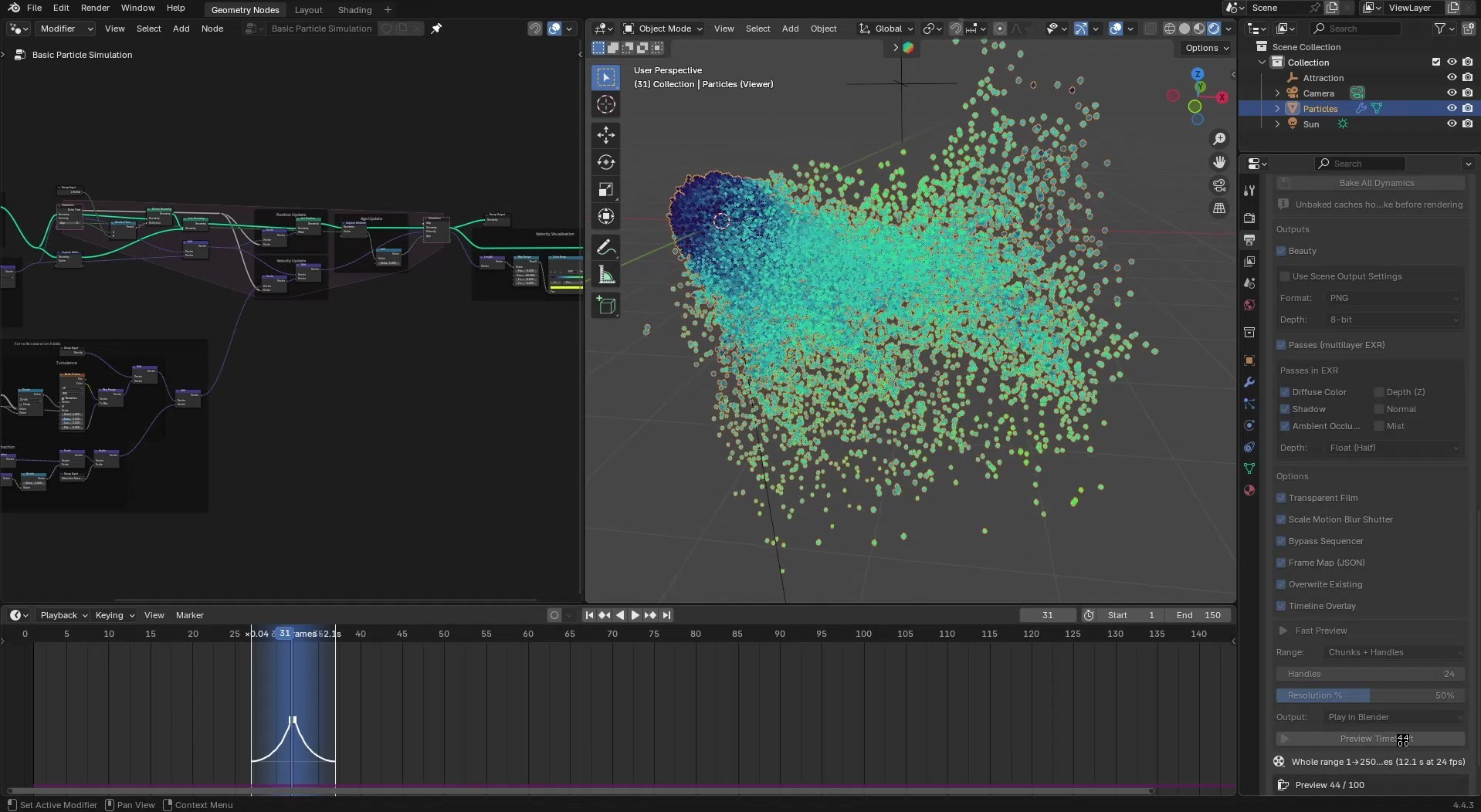
Blender with the TimeShift panel, a slowed chunk on the Timeline and a particle simulation

The Timeline and one sidebar panel

Mark chunks on the Timeline, set outputs in the panel, bake every simulation with one button.
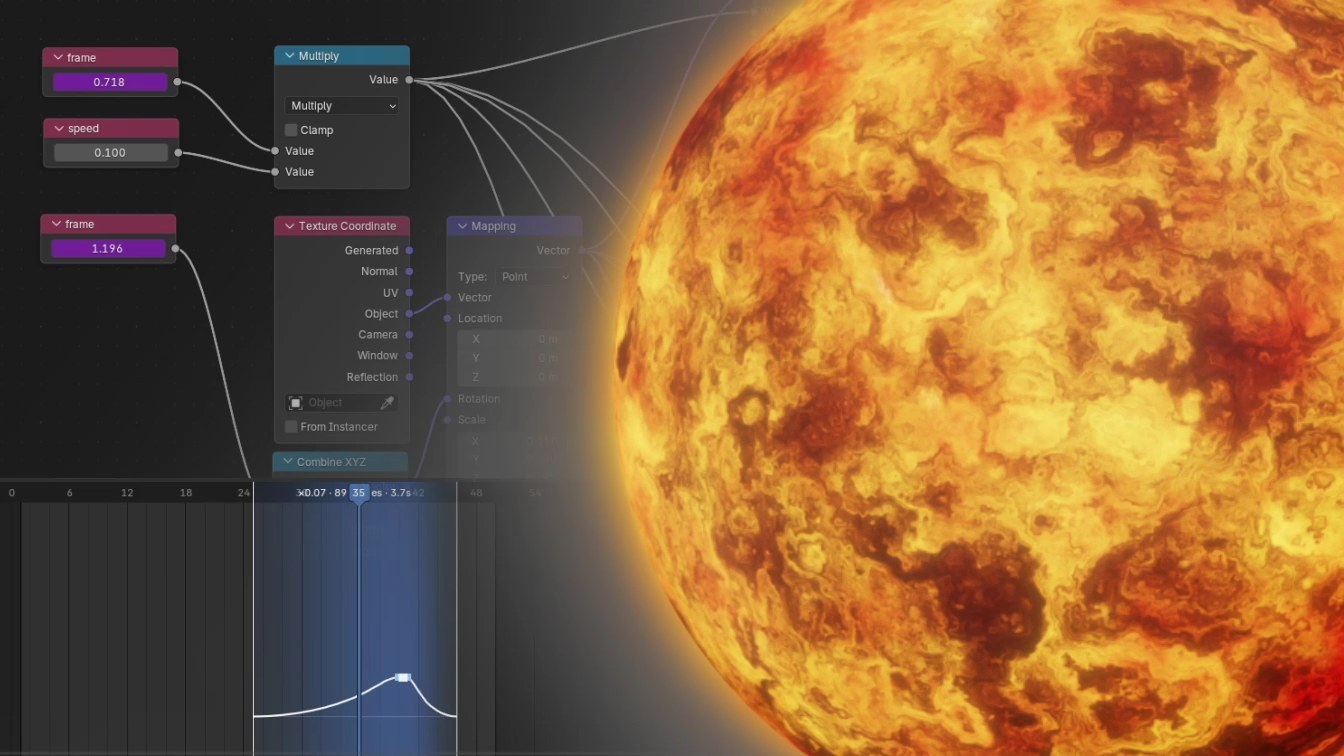
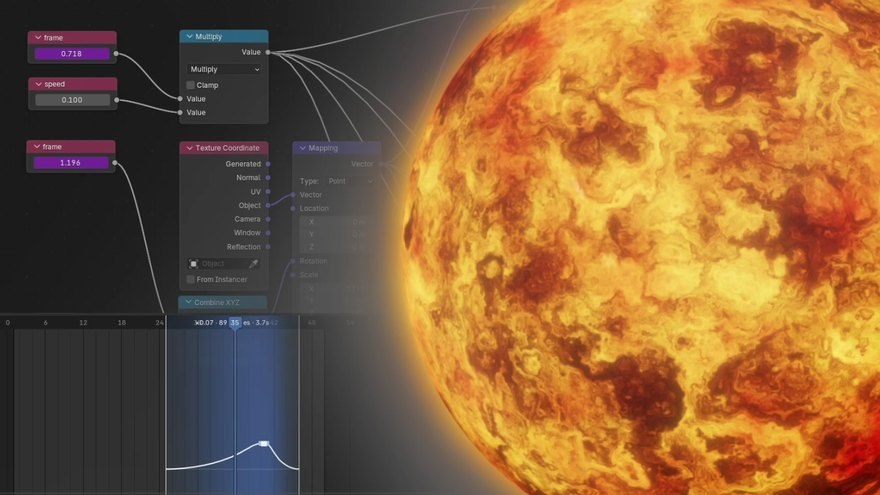
A shader node tree driven by sub-frame time beside a lava sphere

Exact for shaders and nodes

Sub-frame time reaches drivers, node trees and materials.
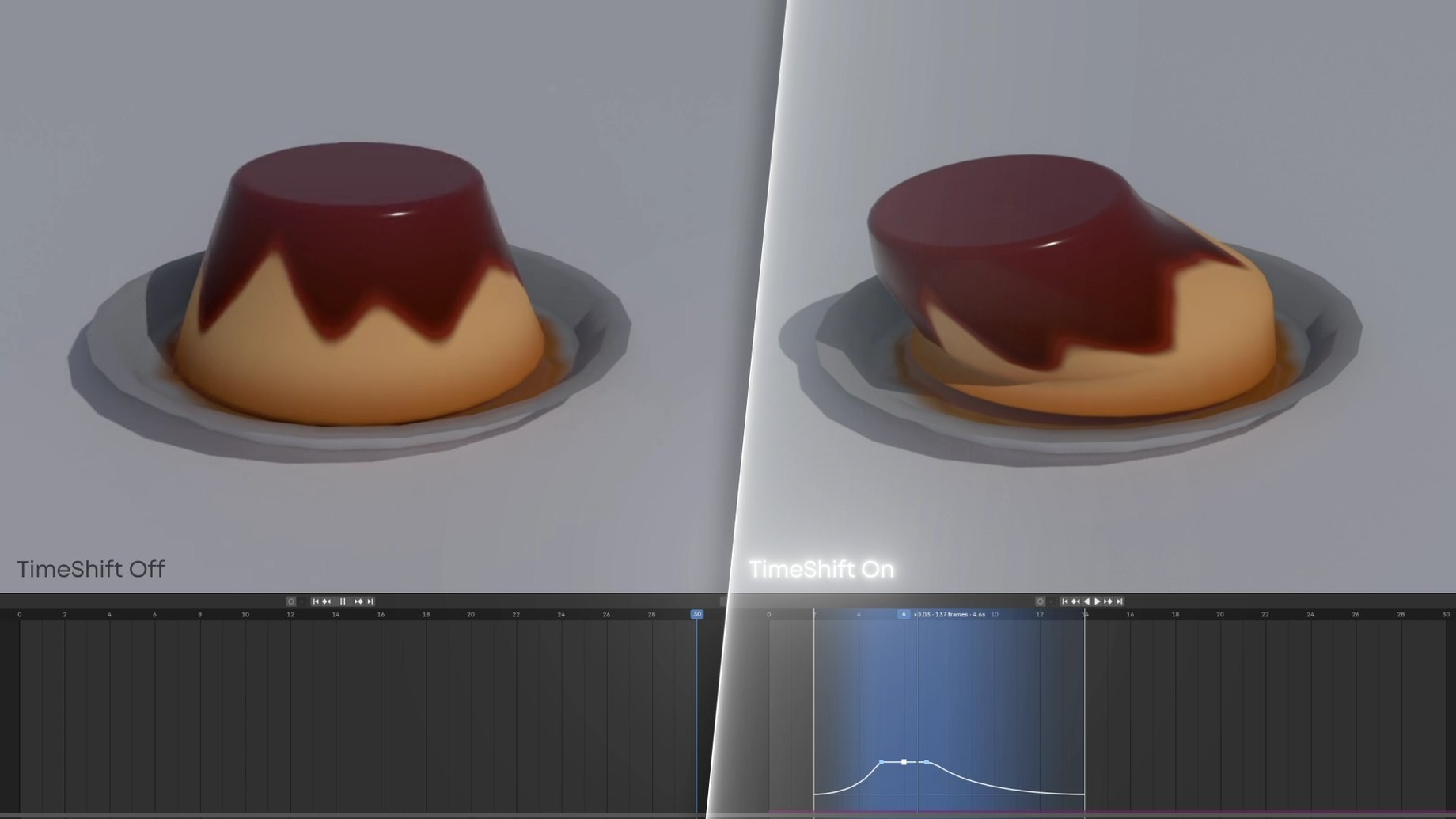
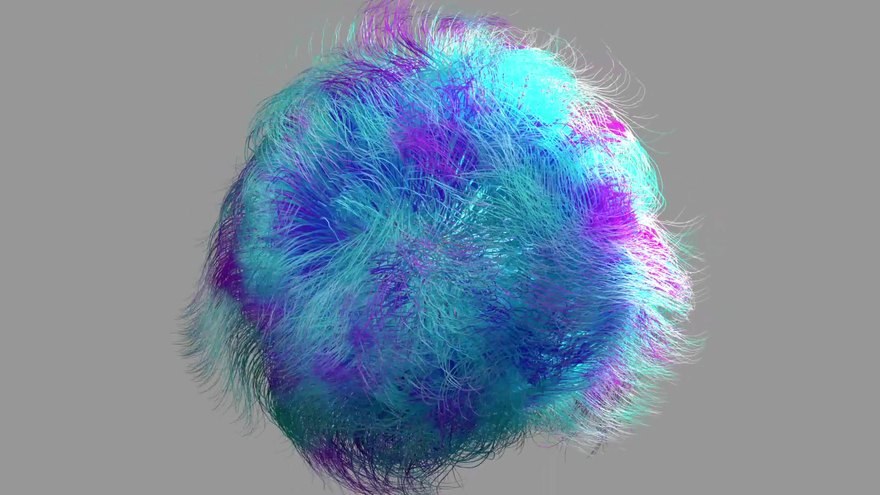
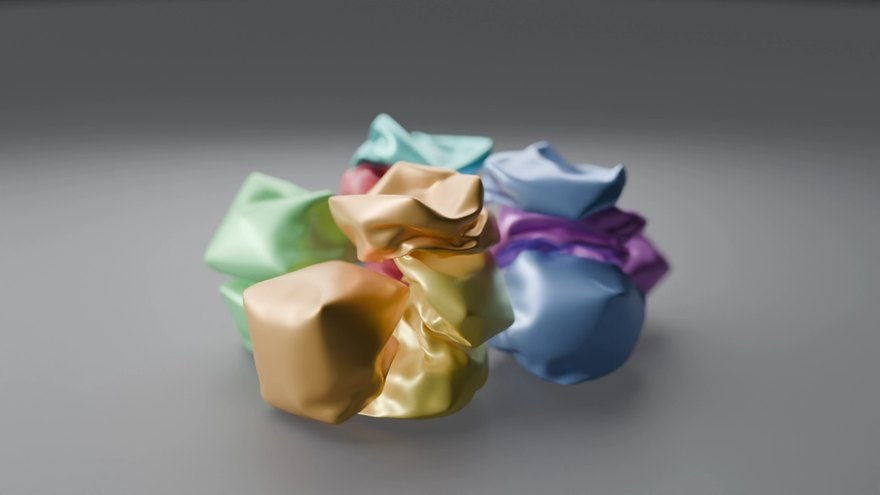
A jiggly pudding with TimeShift off on the left and on on the right

Same scene, off and on

Nothing in your file is moved or rescaled.

Add-ons

A transport plane above the clouds rendered with TimeShift
Available

TimeShift

Sub-frame slow motion for Blender. Slow any stretch of your timeline and render the frames in between; keyframes, drivers and caches never move.

Blender 4.2+ · Cycles and EEVEE · 2.11.1

Render the frames between your frames.

Get TimeShift on SuperHive$14.99 until 21 October, then $19.99