
Motion blur that follows the speed
The shutter scales with the local speed, so blur shrinks as time slows, like footage from a high-speed camera.
Slow any stretch of your timeline to 0.001× and render true sub-frames. Your keyframes and caches never move.


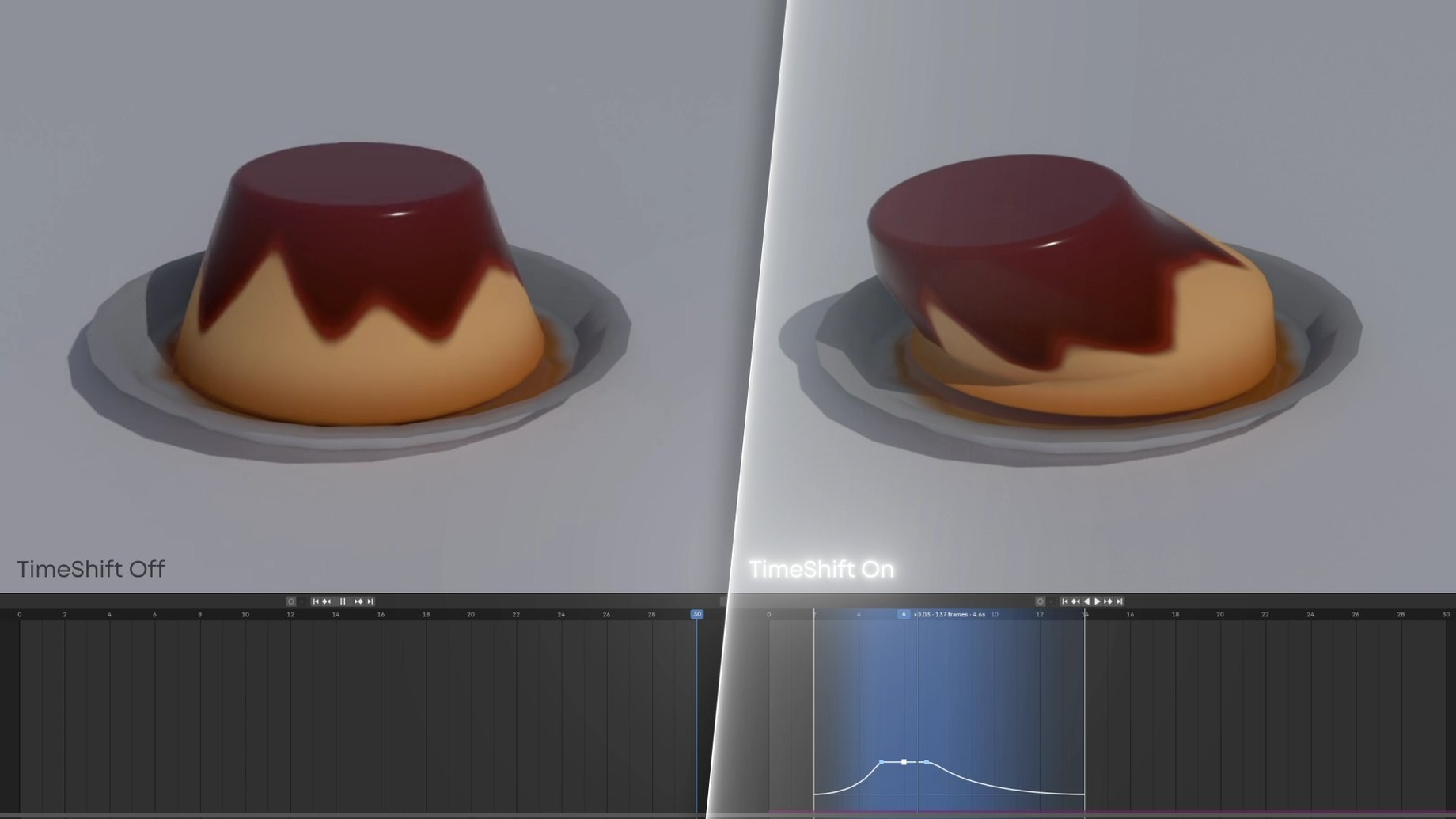
The same scene rendered normally (left) and with a slowed chunk (right), the Timeline underneath.
Same scene, same Timeline. On the right, a chunk slows to 0.07× and eases back out to normal speed.
On the right, the slowed chunk renders the frames in between, so the wobble stays smooth instead of stepping.
This is TimeShift's own retime math. Each tick is one rendered frame; they bunch where the chunk slows time.

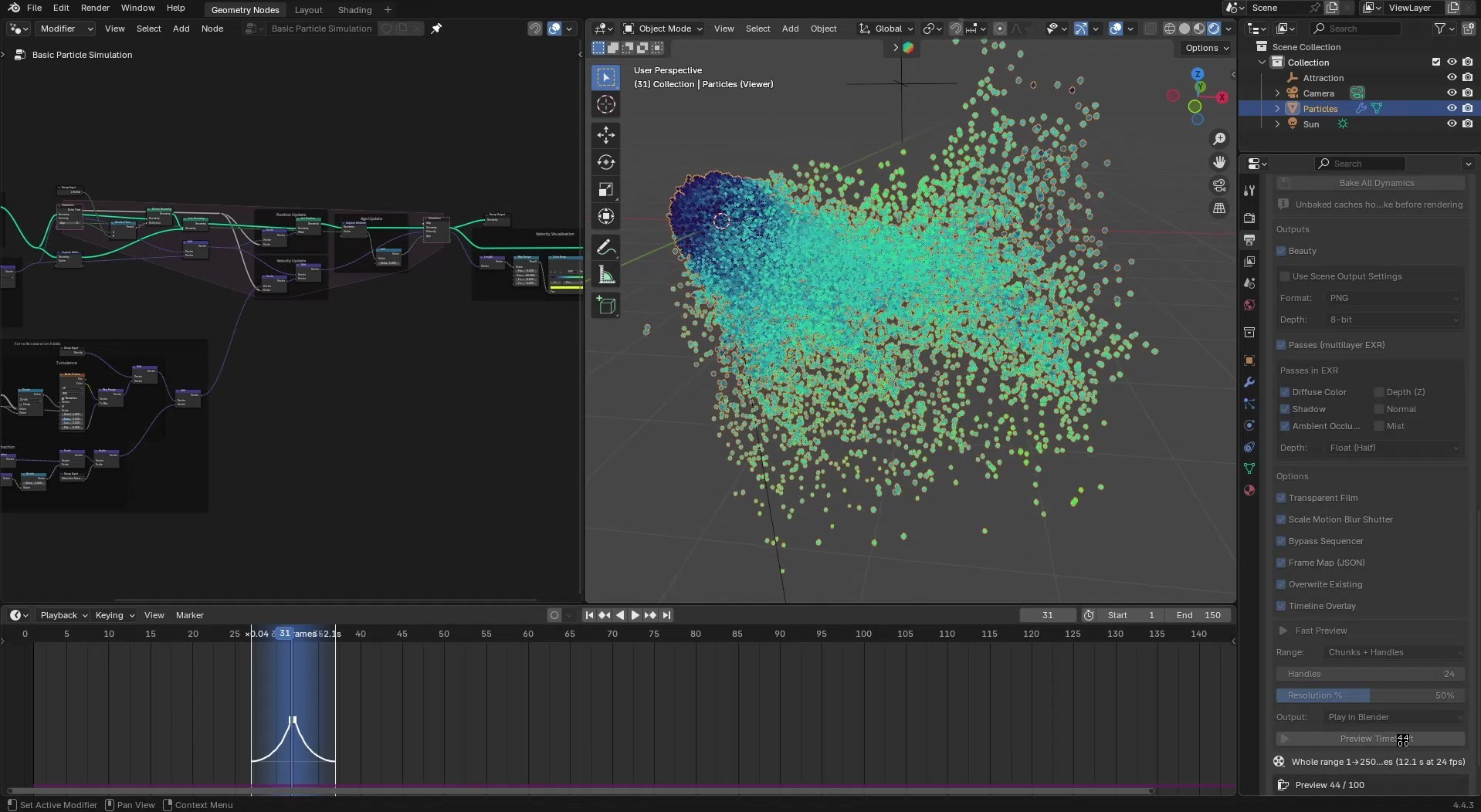
Keyframes, drivers, Geometry Nodes and shaders are exact. Simulations play back from their bake.
The shutter scales with the local speed, so blur shrinks as time slows, like footage from a high-speed camera.
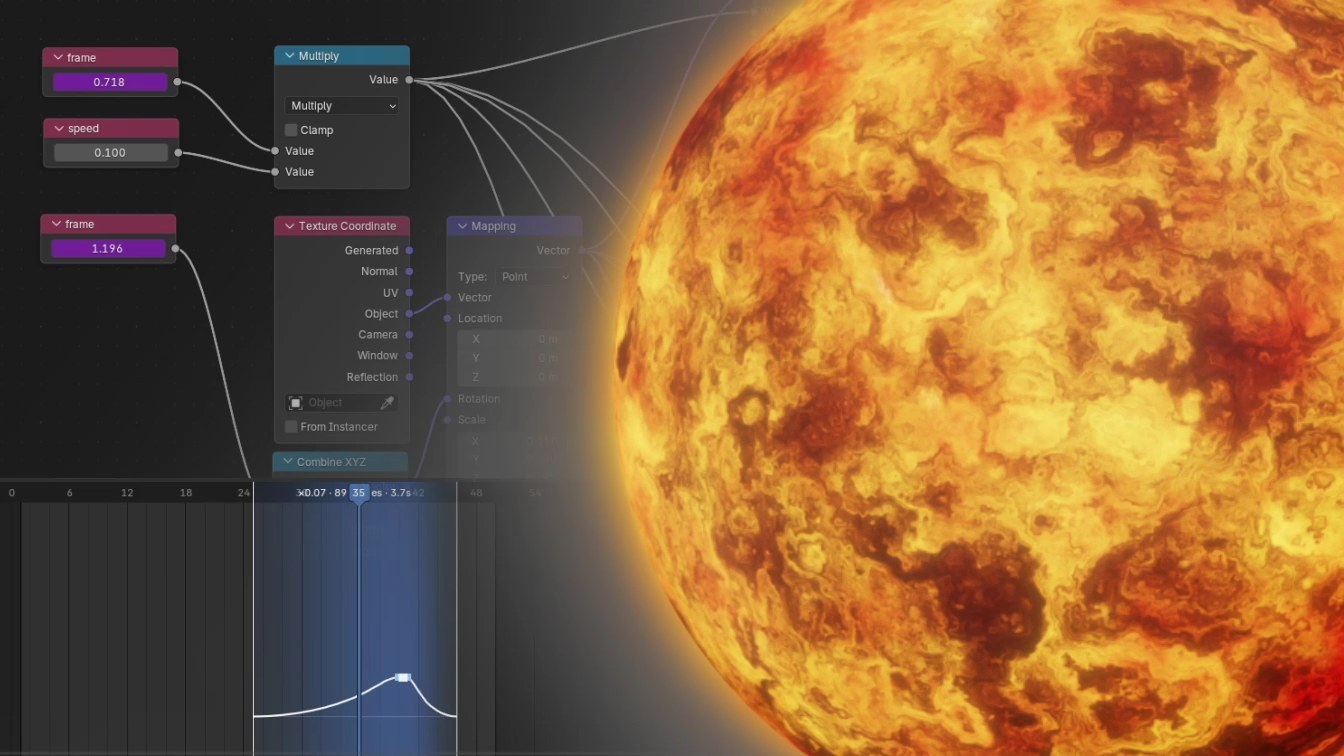
Sub-frame time reaches drivers, Geometry Nodes and materials.
Nothing is moved or rescaled, and render settings are restored after every run.
Beauty images include your compositor and view transform.
No. It only changes the times it renders at. Keyframes, NLA strips, drivers, camera markers and caches are never edited, and the render settings it changes are restored afterwards.
Time Remapping applies one ratio to the whole scene. TimeShift slows or speeds only the chunks you mark, ramps in and out of them, and leaves the scene settings alone. If both are active, their speeds multiply.
Yes, both. With Cycles, Persistent Data is enabled for the render to speed it up, then restored.
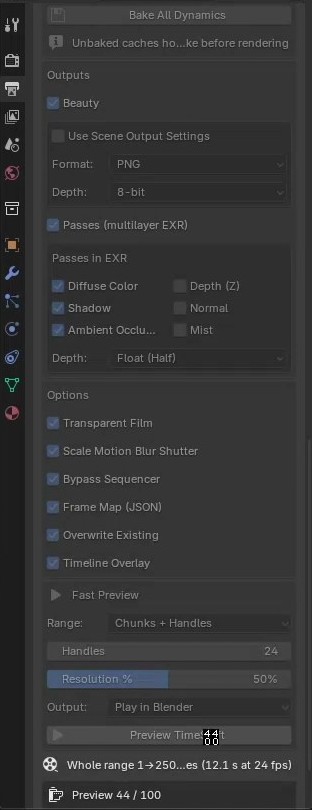
Only physics. Keyframes, drivers, Geometry Nodes and shaders are sub-frame exact with no bake. Rigid body, cloth, soft body, particles, hair and dynamic paint need one click of Bake All Dynamics.
Mantaflow caches hold whole frames and Blender does not interpolate them, so there is nothing to sample between frames.
Render time grows with the number of output frames: a 20-frame chunk at 0.1 becomes about 200 frames. Check the estimate under the panel, and use Preview TimeShift to judge the timing first.