Motion blur that follows the speed
The shutter scales with the local speed, so blur shrinks as time slows, like footage from a high-speed camera.
Slow any stretch of your timeline to 0.001× and render true sub-frames. Your keyframes and caches never move. Drag the divider to compare.
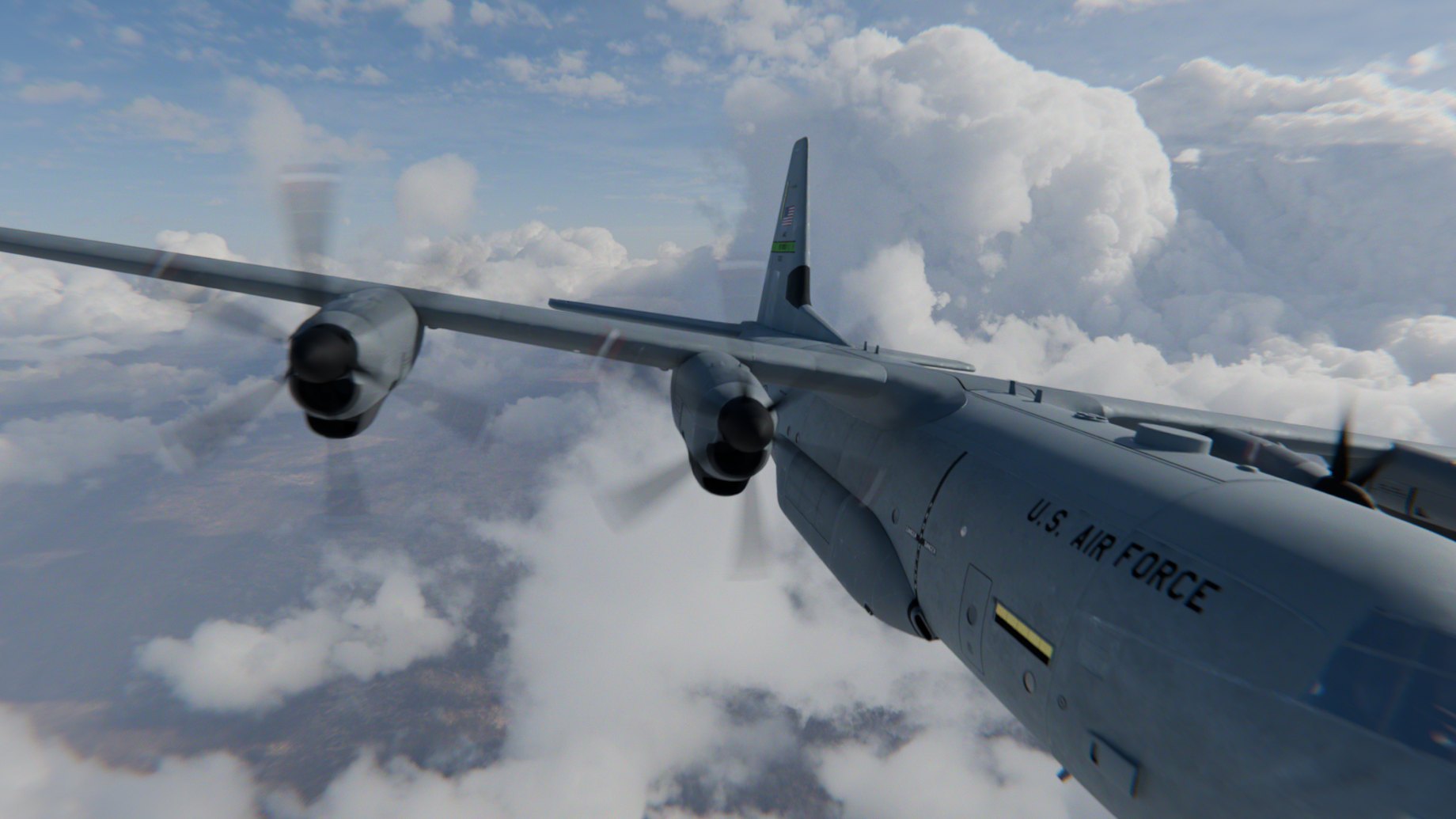
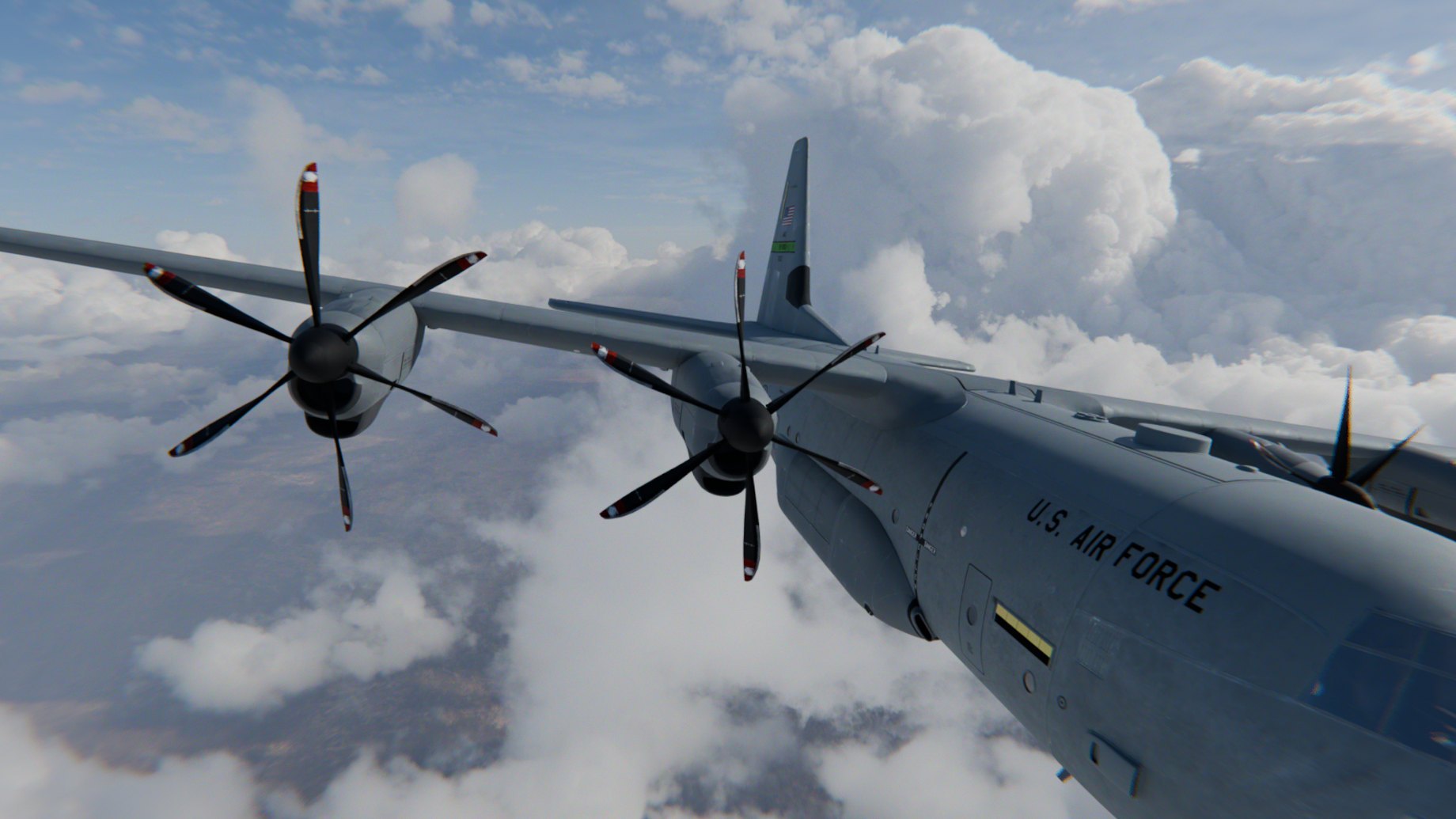

Press U over the Timeline and drag a range, then set its speed and ease. The curve shows where time slows.
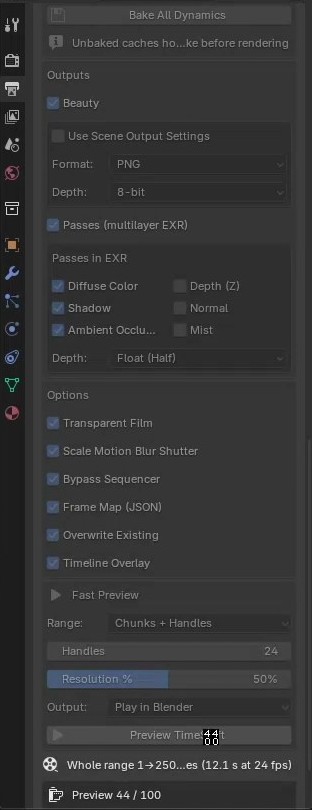
Bake All Dynamics bakes rigid body, cloth, soft body, particles, hair and dynamic paint in one click.
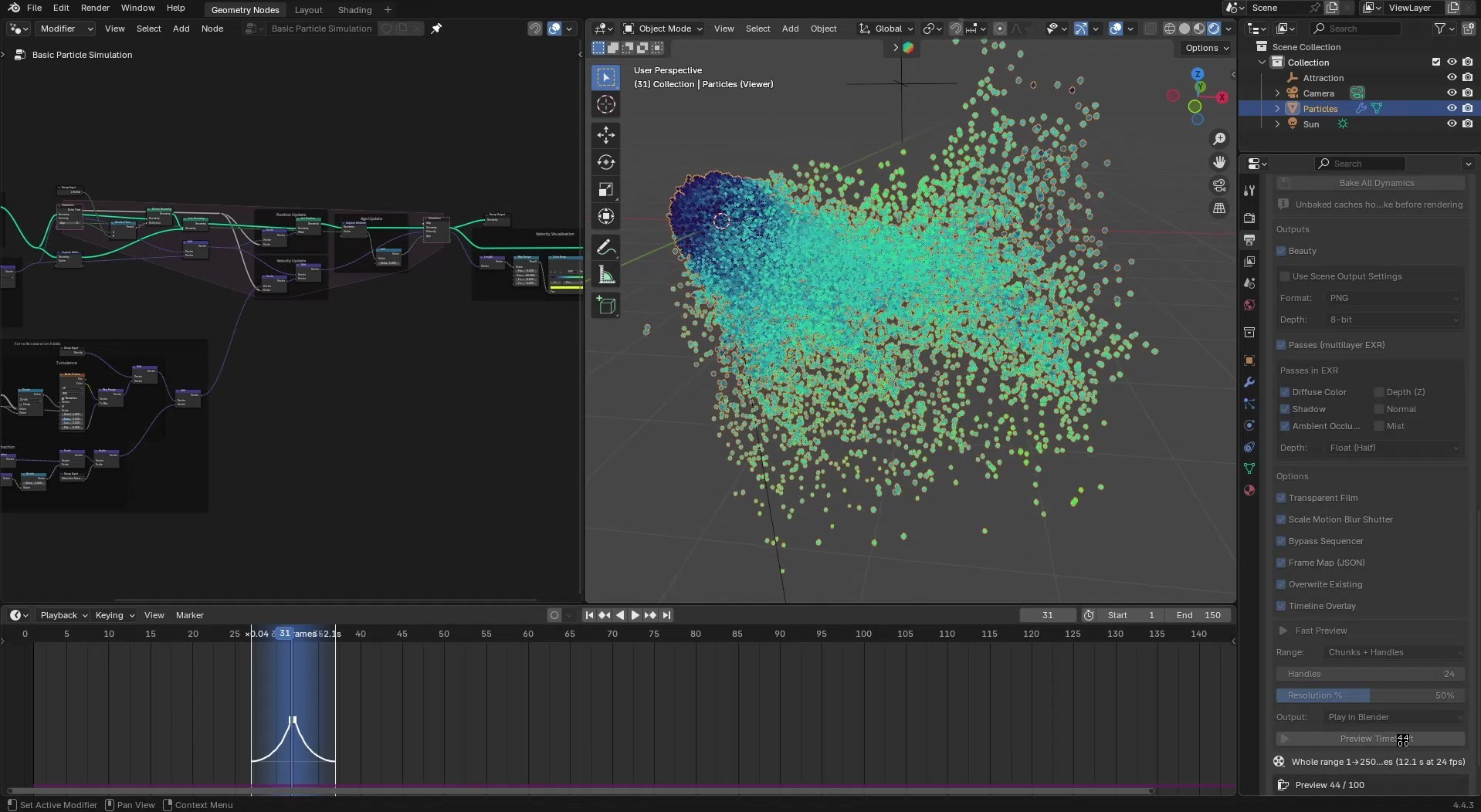
Check the timing in a fast preview with Solid, Material or Rendered shading, then render images, EXR passes and a frame map.
The shutter scales with the local speed, so blur shrinks as time slows, like footage from a high-speed camera.
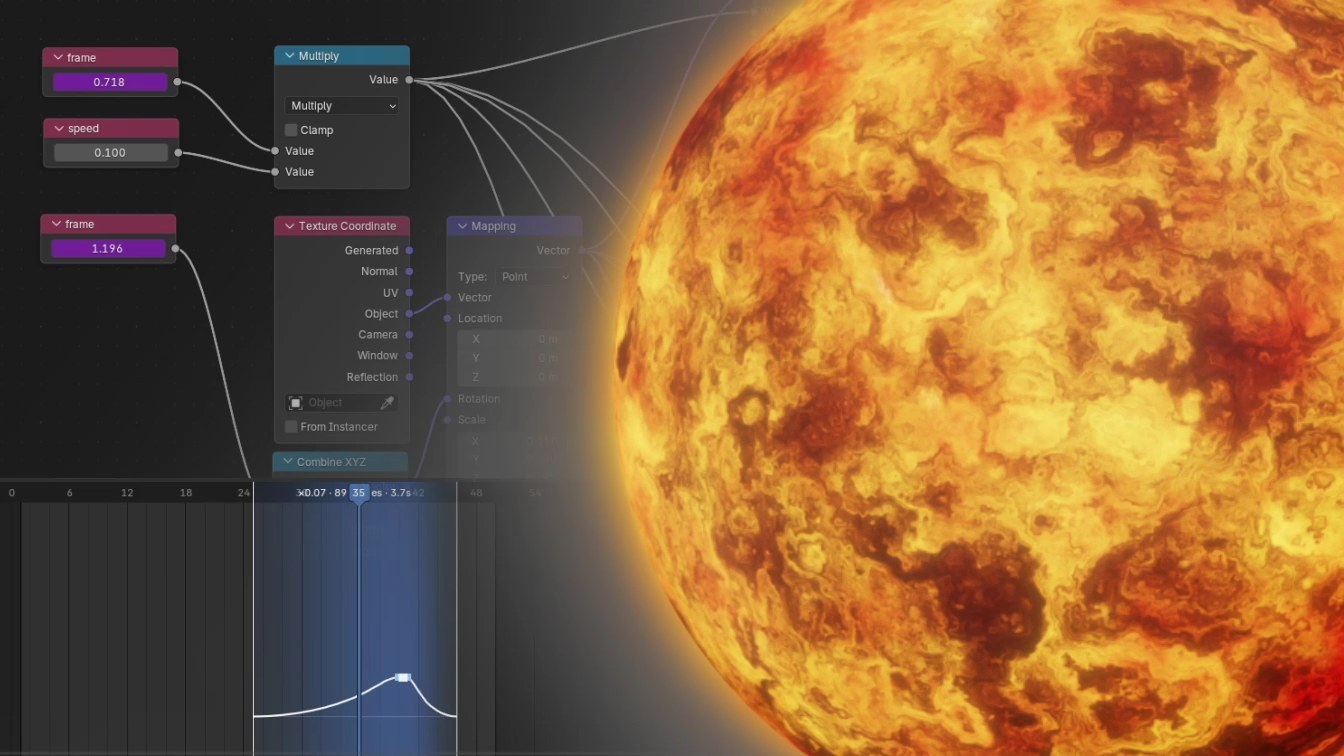
Sub-frame time reaches drivers, Geometry Nodes and materials.
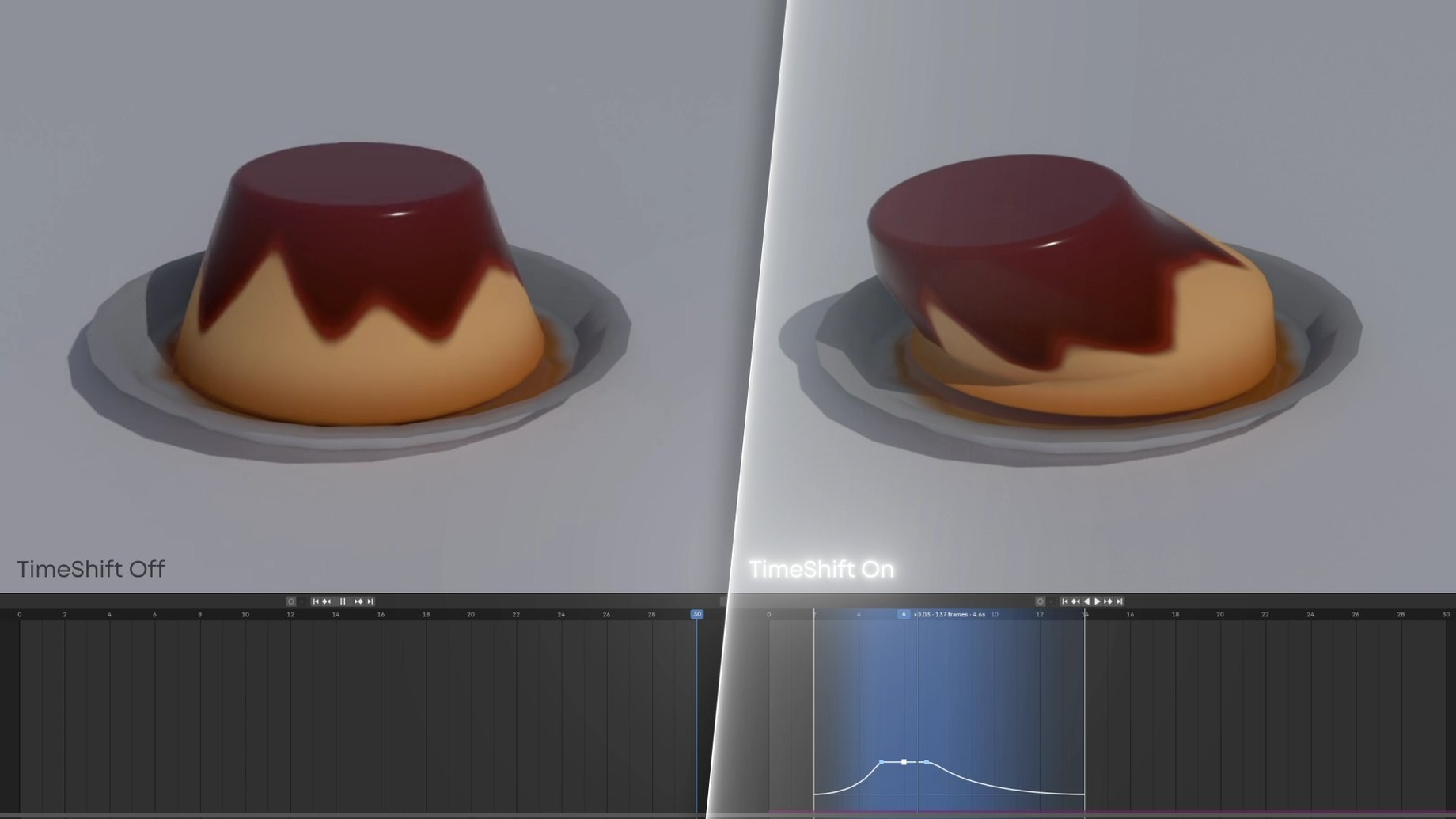
Nothing is moved or rescaled, and render settings are restored after every run.
Mantaflow fluid, smoke and fire hold whole frames. That is a Blender limitation, so a slowed fluid steps from frame to frame.
The full documentation and the FAQ are in the tabs above this description.