Launch price · 25% off$14.99$19.99For the first weeks
Queue & Barrier Pro 1.1.3 · Blender 5.1 and newer · Cycles and Eevee
Draw a curve. Get the queue line.
A post on every point and a belt, rope, chain, rail or panel on every segment. Move a point and the whole barrier follows.
STEP 1
Add a curve
Any Bezier or poly curve, or a mesh line. Each point becomes a post.
STEP 2
Shift+A > Barrier
Pick a product from the menu. Or press Make Barrier in the Barriers tab.
STEP 3
Done
A post on every point and a belt on every segment. Move, add or delete points and the barrier follows.
See it work.
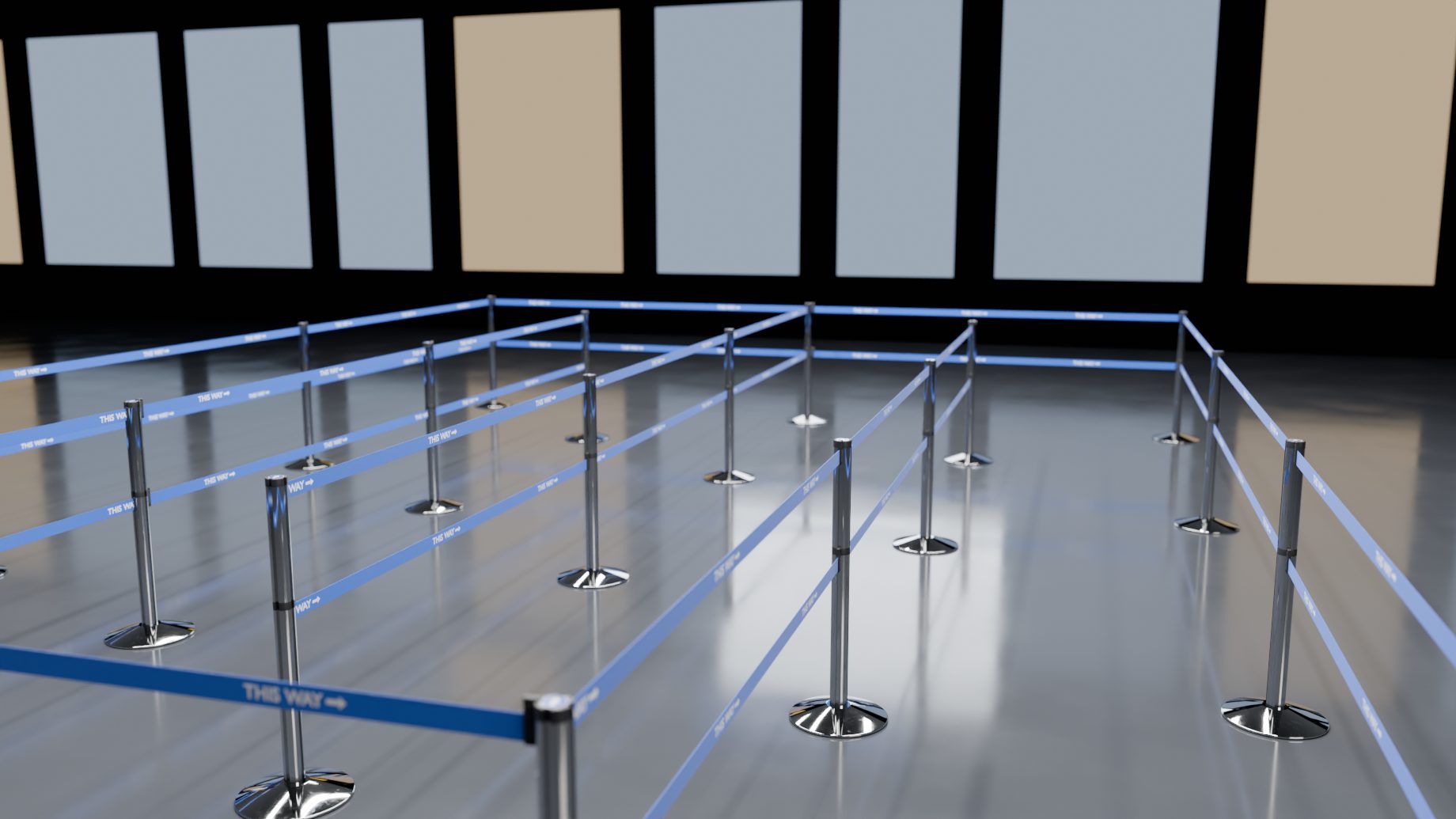
The add-on's own rebuilds, rendered in Cycles.
Belts wrap the head. Turn a post: the belt wraps from its slot, the shorter way, and runs straight to the next post.Ropes keep their length. Move a post and a rope or chain hangs shallower or deeper. It is never stretched.Change the length, the sag follows. Length sets every rope hook to hook; the posts stay where they are.Posts where a belt would be too long. Add Posts on Long Belts: drag the end out and evenly spaced posts appear.
And everything a real line needs.
Live with your curve
Move, add or delete a point and the barrier follows.
Overrides that stay
Any value per post or segment, kept on every rebuild.
Queues in one go
Make Queue turns a rectangle into a zig-zag queue.
Wall mounts
A fitting for every product; an end at a wall mounts itself.
Slopes and floors
Snap to Floor; panels Turned, Stepped or Shaped.
Looks in one click
Six looks for every product, and your own presets.
20 logos, 26 stickers, 24 panel and 22 sign designs.
14 products, one menu.
Belt stanchions · Rope posts · Chain posts · Bollards and delineators · Rigid rails · Panels
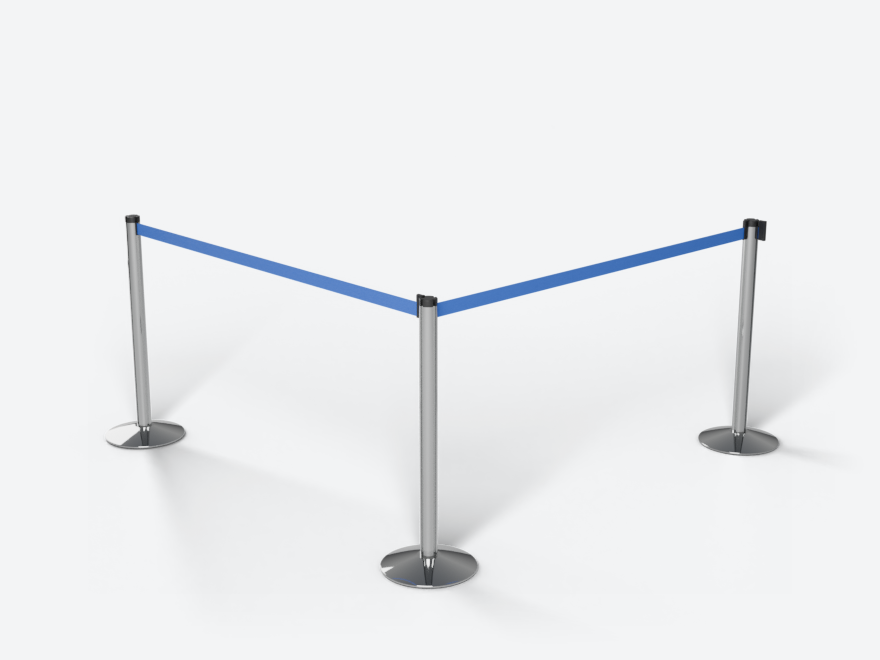
Retractable Belt Stanchion
Disc Base Belt Stanchion
Square Base Belt Stanchion
Removable Belt Post (Floor Socket)
Classic Rope Stanchion
Hotel Rope Stanchion
Plastic Chain Post
Striped Chain Post
Metal Loop Chain Post
Safety Bollard
Delineator Post
Beam Stanchion
Brass Bank Rail
Panel Stanchion
Print Realism.
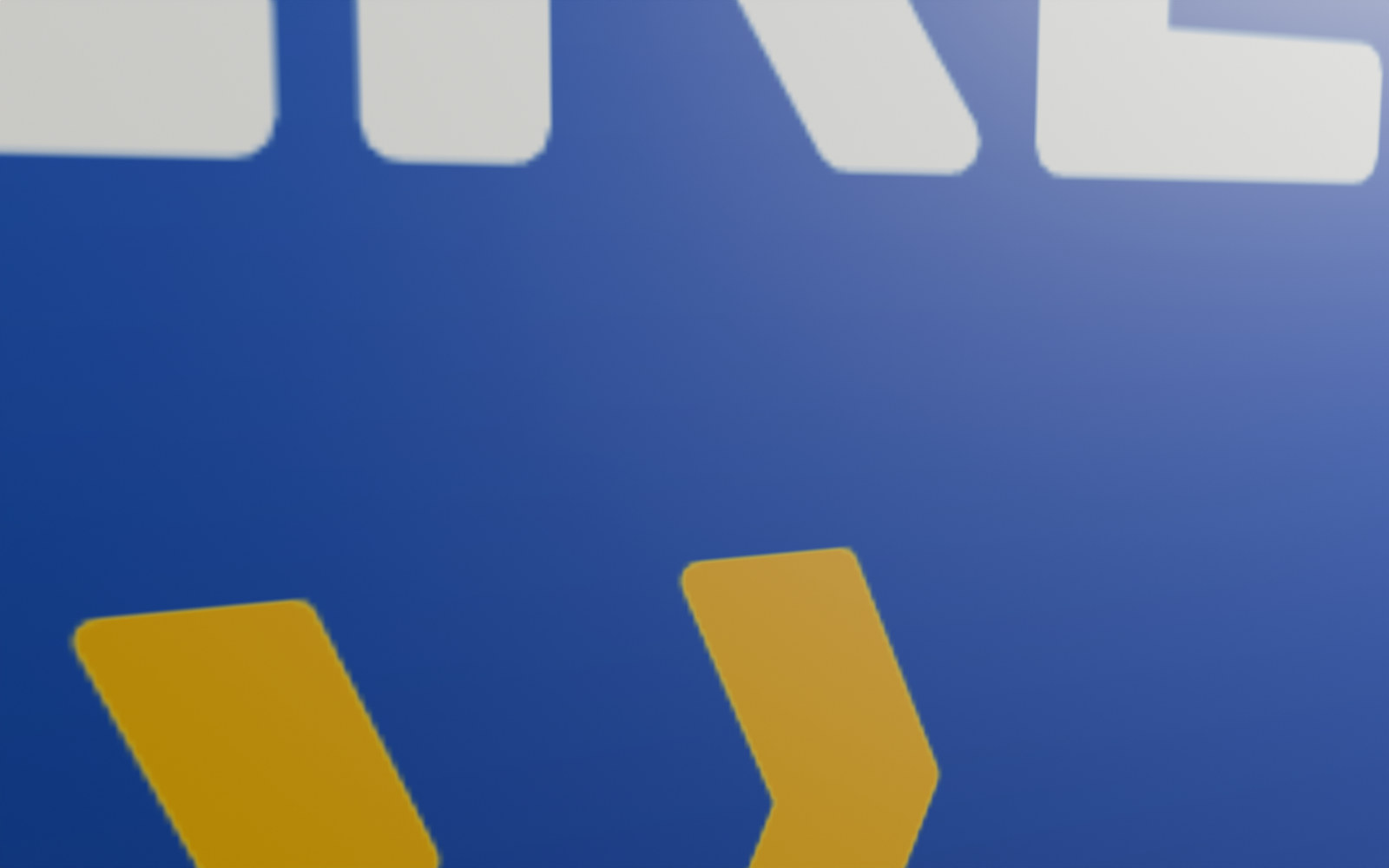
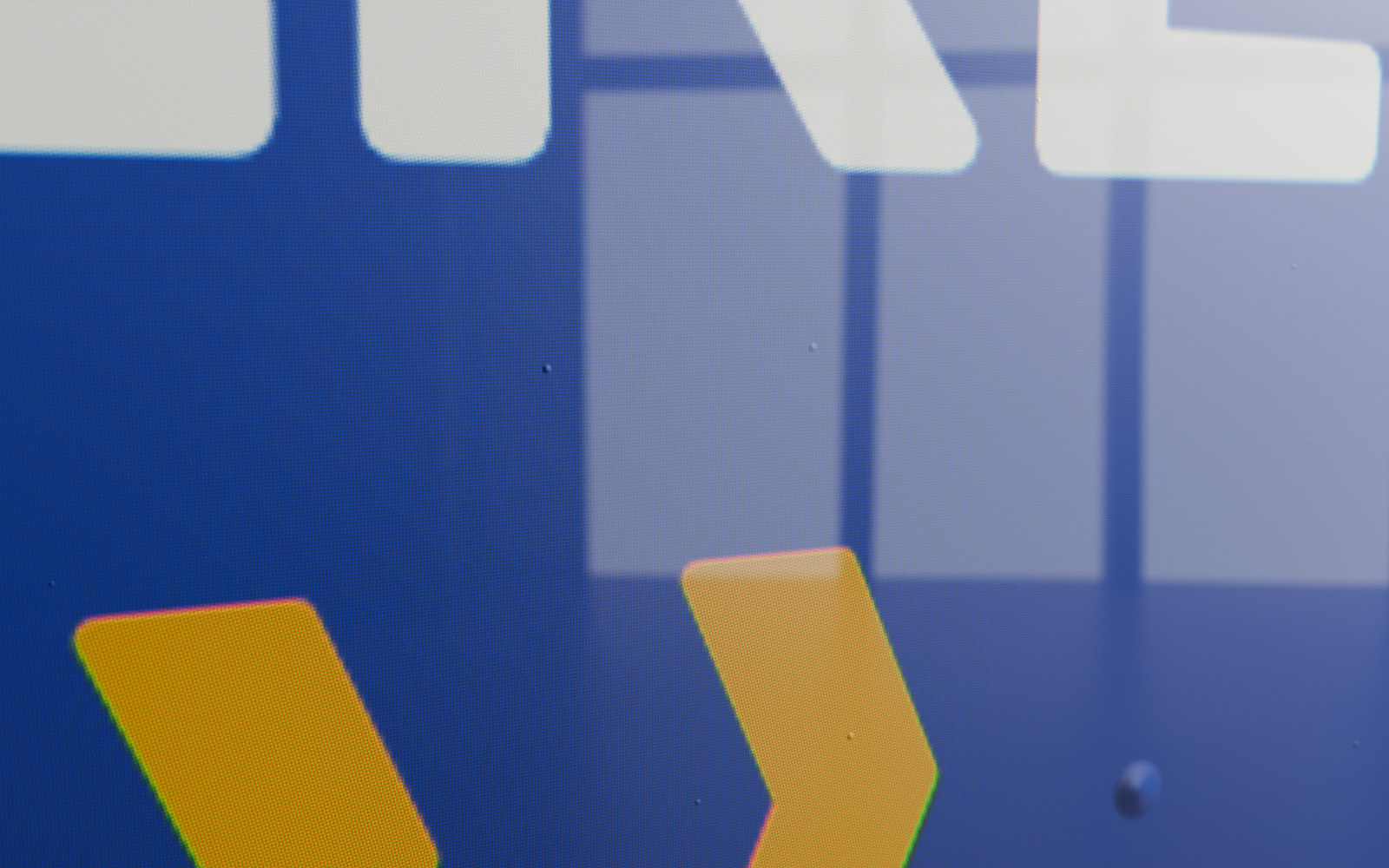
A printed panel from 24 cm. Drag the slider: a plain print, then a print behind acrylic with its dots, colour fringes, air blisters and reflections.
Plain printWith Print Realism
The full documentation is in the Documentation tab above and on the product's page on the Subframe website. Queue & Barrier Pro 1.1.3 · Blender 5.1 and newer · GPL-3.0-or-later.
 Retractable Belt Stanchion
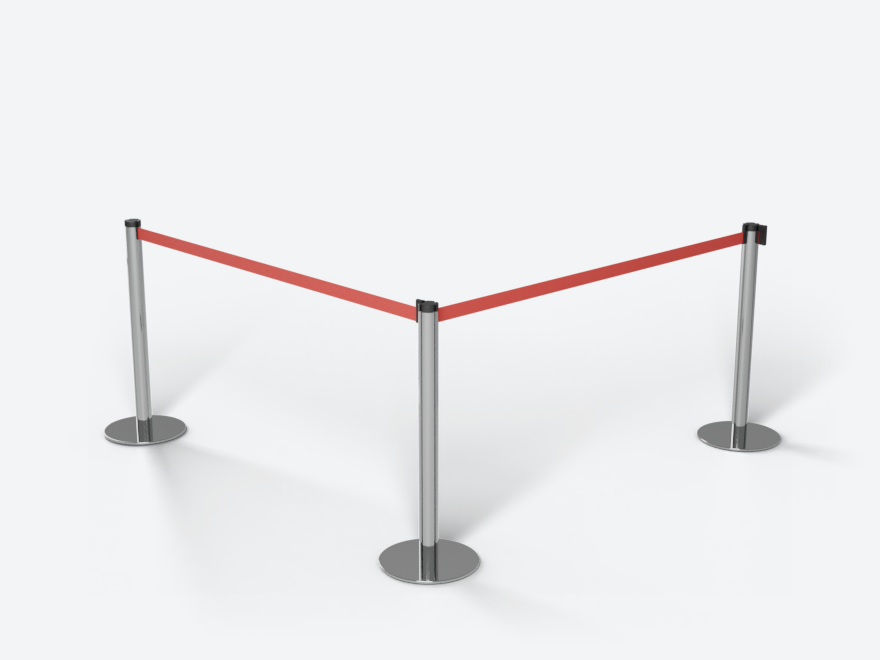 Disc Base Belt Stanchion
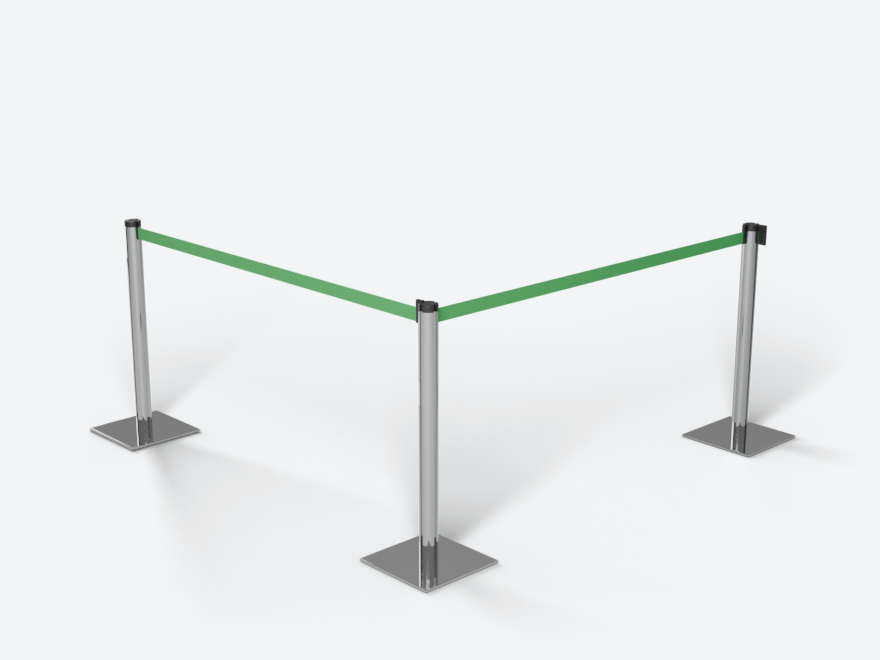 Square Base Belt Stanchion
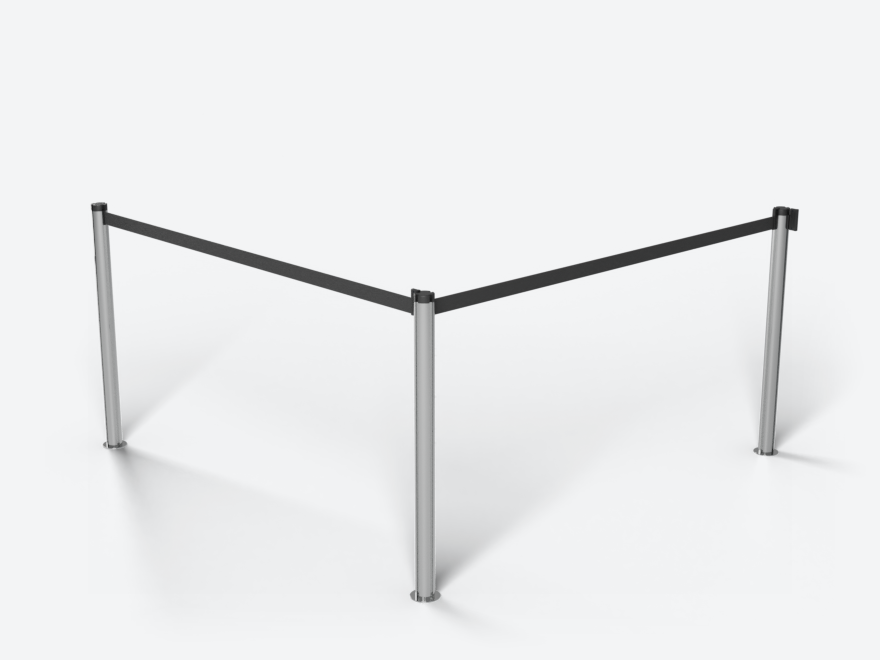 Removable Belt Post (Floor Socket)
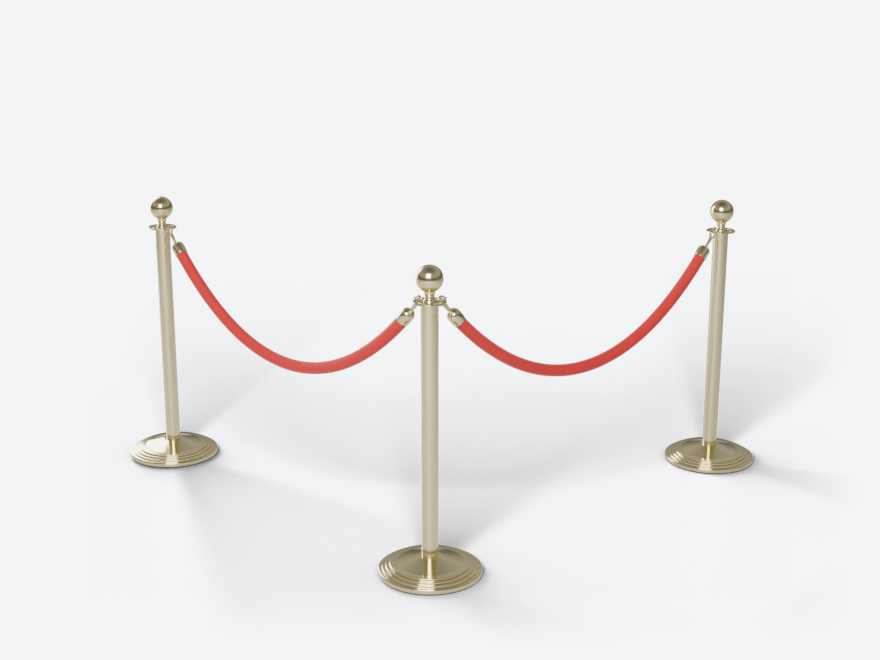 Classic Rope Stanchion
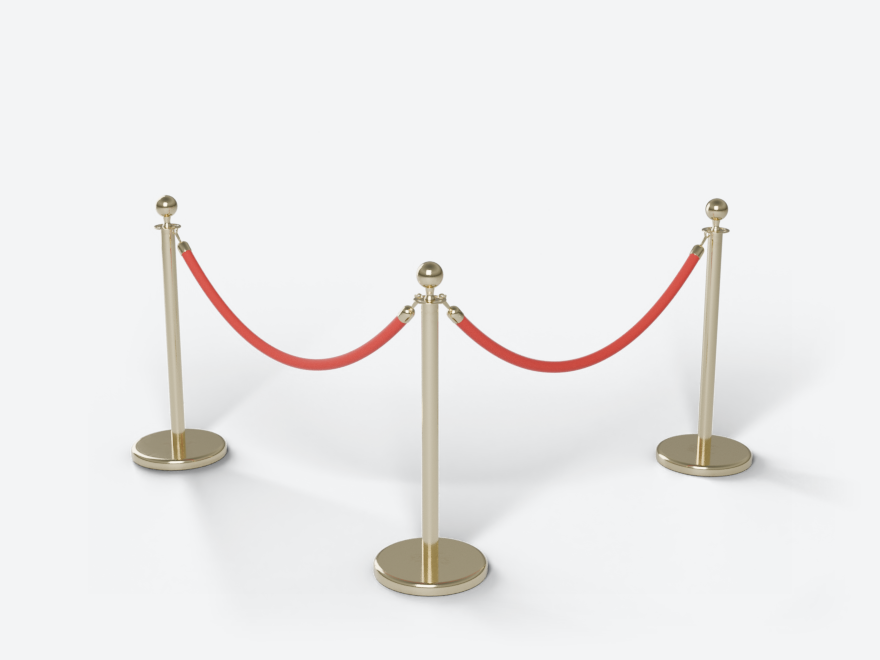 Hotel Rope Stanchion
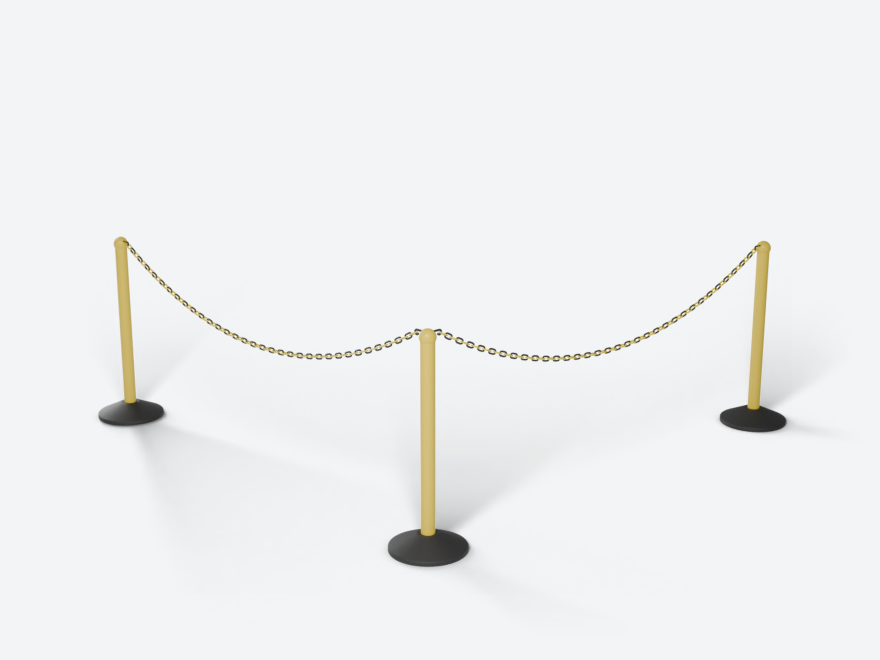 Plastic Chain Post
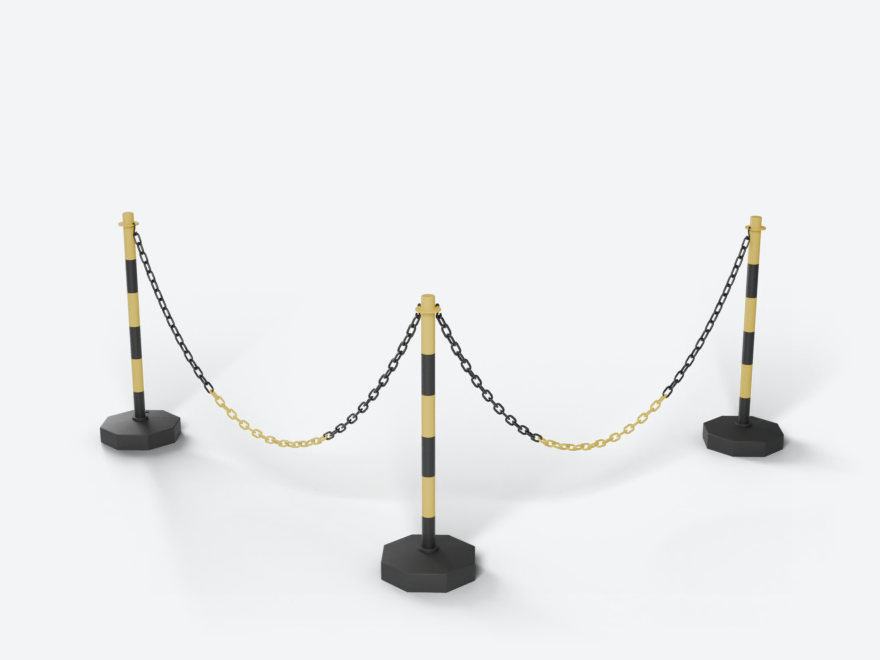 Striped Chain Post
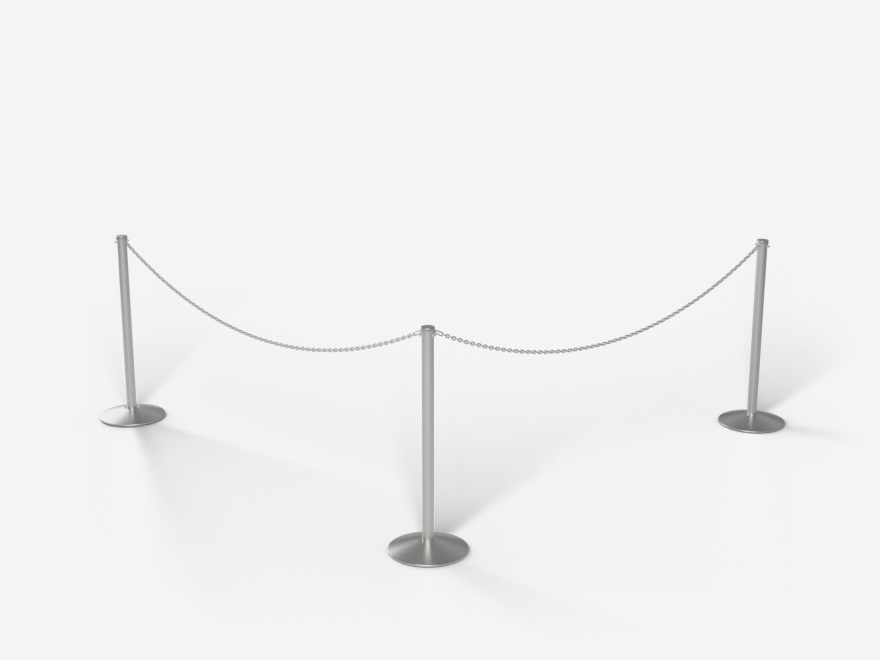 Metal Loop Chain Post
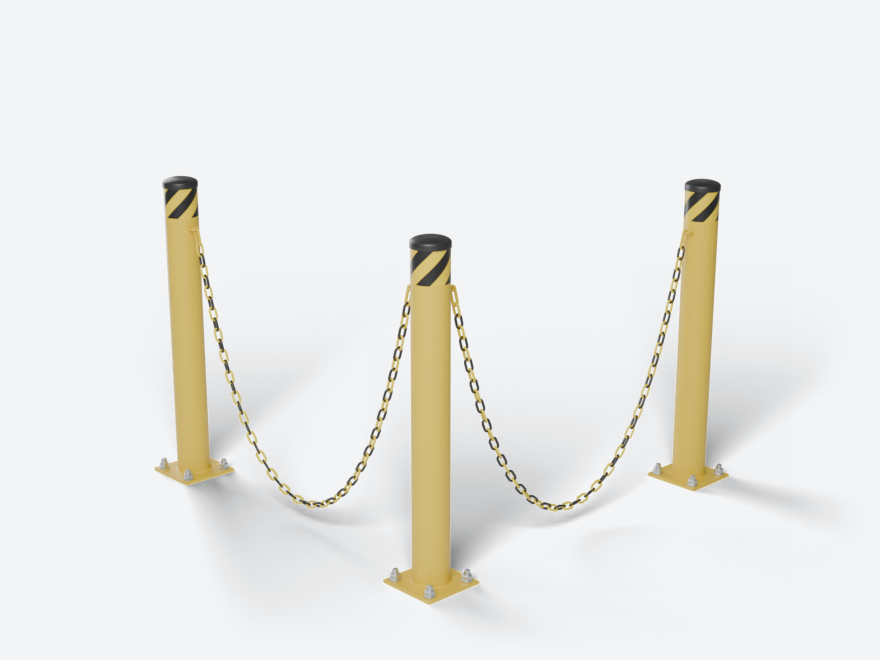 Safety Bollard
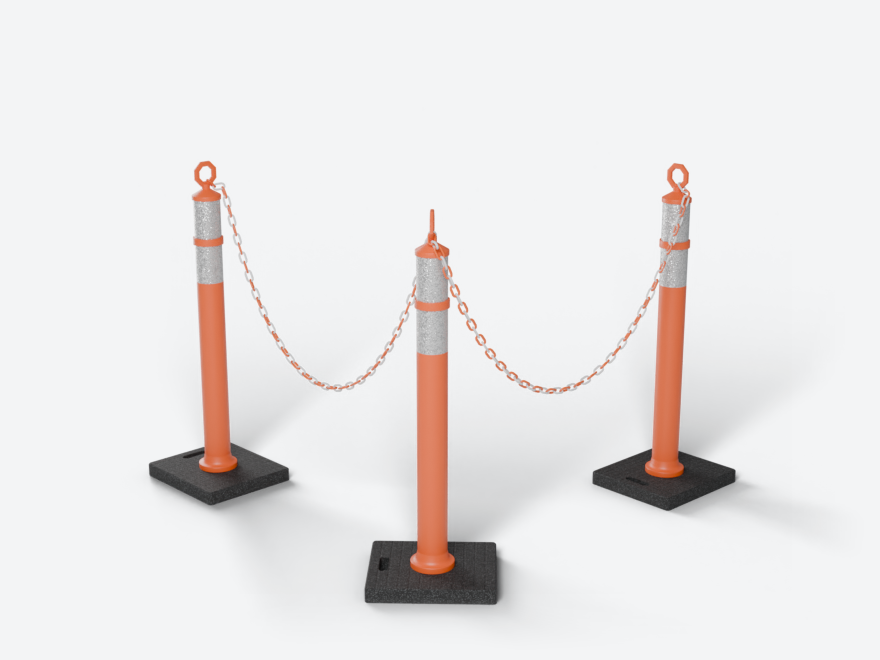 Delineator Post
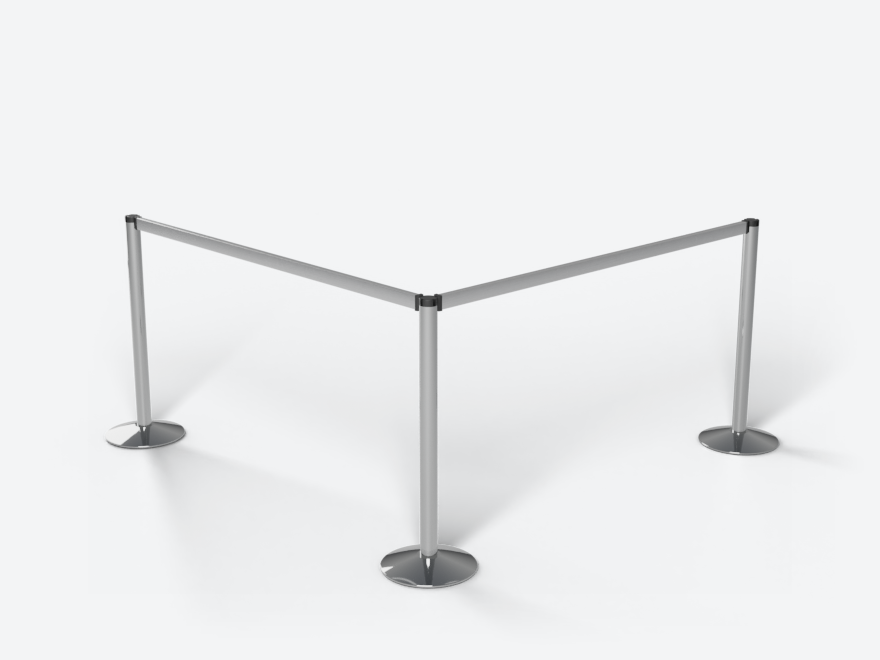 Beam Stanchion
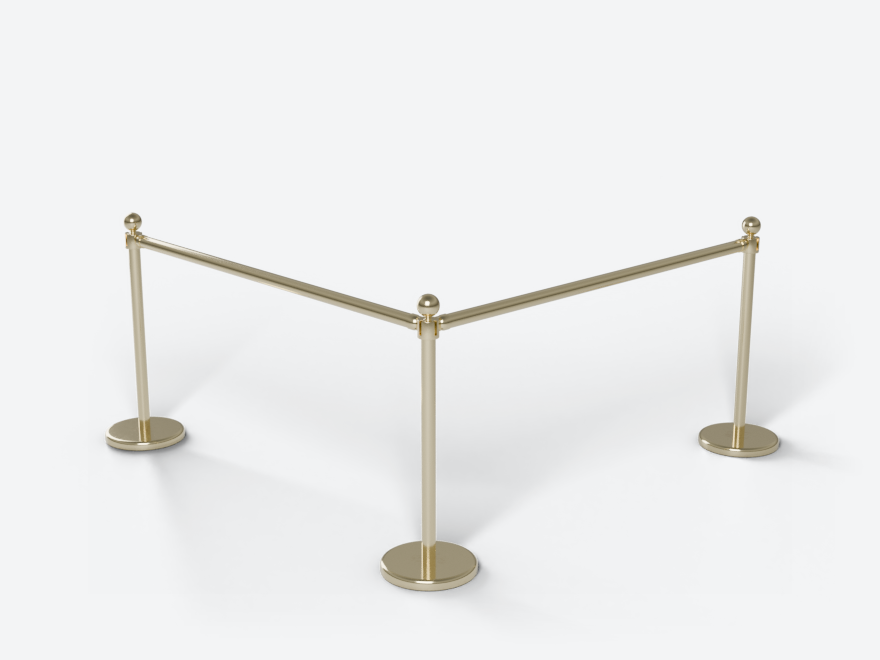 Brass Bank Rail
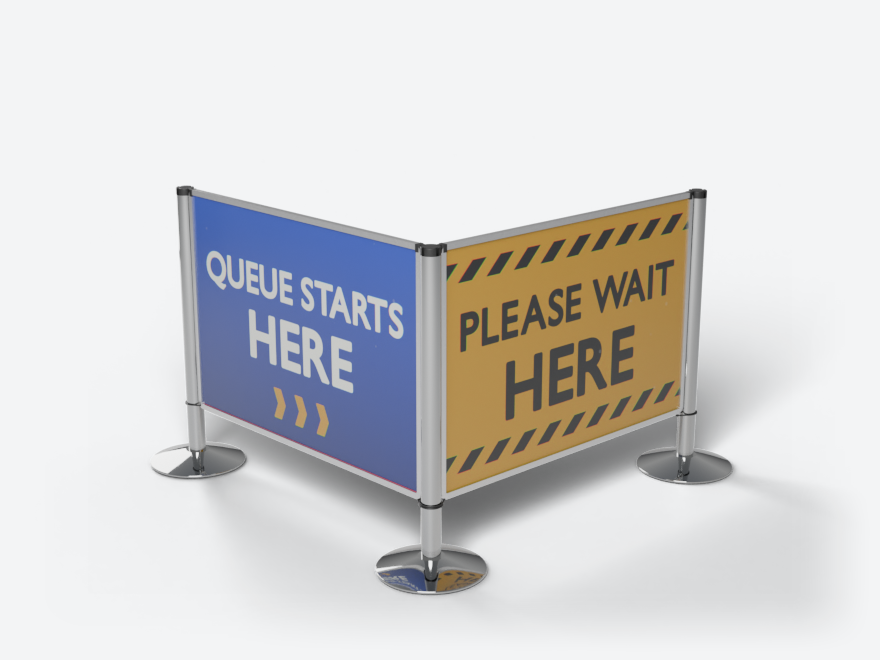 Panel Stanchion